
Policy Building - 'Policy is Case Sensitive'
Feb 12, 2026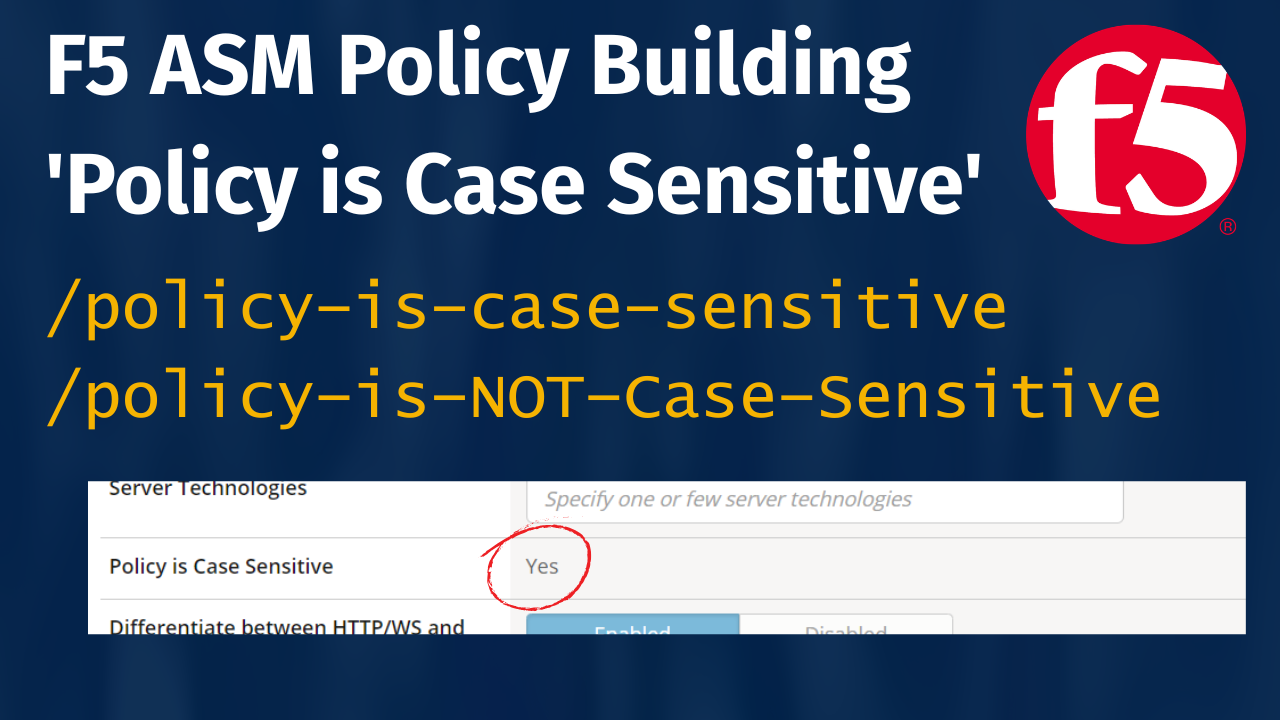
When building a new ASM policy, one of the lesser-known but important advanced options is “Policy is Case Sensitive.” You’ll find this in the Advanced Settings section near the bottom of the policy creation page. Here are some practical tips for using this setting.
Enabling this setting means that parameter names, URLs, and other entities will be matched with case sensitivity. For example, /Login and /login will be treated as two distinct entities.
This setting can't be changed in the GUI or CLI once selected, so it is important to get it right during policy creation. Note, there is a non-standard way to change this, which I will cover at the end.
How to tell if the application is case sensitive
Go to the application and find a working URL and also if possible a working QueryString or PostData parameter.
Say the domain is exampleapp.com and the test URI is /faqs/
Try these two requests and see if you get the exact same response from the server. If you do get the same response, then the app is NOT case sensitive as both cases has produce the same response from the server
exampleapp.com/faqs/
exampleapp.com/Faqs/ (uppercase F)
If there is any difference in response, including 404 or 500 responses, then the application is case-sensitive, and this should be reflected in the ASM policy settings.
This can significantly impact how the policy behaves:
-
It’s useful when protecting legacy applications or APIs that use different casing to represent distinct functionality.
-
It can also lead to unexpected false negatives or positives if your application or developers aren’t consistent with casing.
-
Most modern web applications treat URLs case-insensitively (especially front-end routes), so enabling this option should be a deliberate decision rather than the default.
- The policy will generate two learning suggestions, one for /faqs/ and one for /Faqs/ when case sensitivity is enabled

So why is the default enabled when the modern front-ends are case-insensitive?
It is on by default because in the absence of information or understanding, this is the safe option, even though it is not required in most cases.
Example of MVC Controller Method
This is a typical MVC controller method that uses a "Route Attribute" to specify the URL to which the method responds. Here it is /blogs/singleblog (this is not going to be case sensitive by default, what this means is any variation of case in the request will be treated the same, therefore the URL/endpoint is NOT case sensitive)
<Route("~/blogs/singleblog")>
<ActionName("SingleBlog")>
Function Blog() As ActionResult
{code goes here}
End Function
Stay connected with our F5 news and updates!
Join our mailing list to receive the latest news and updates from our team.
Don't worry, your information will not be shared.
We hate SPAM. We will never sell your information, for any reason.