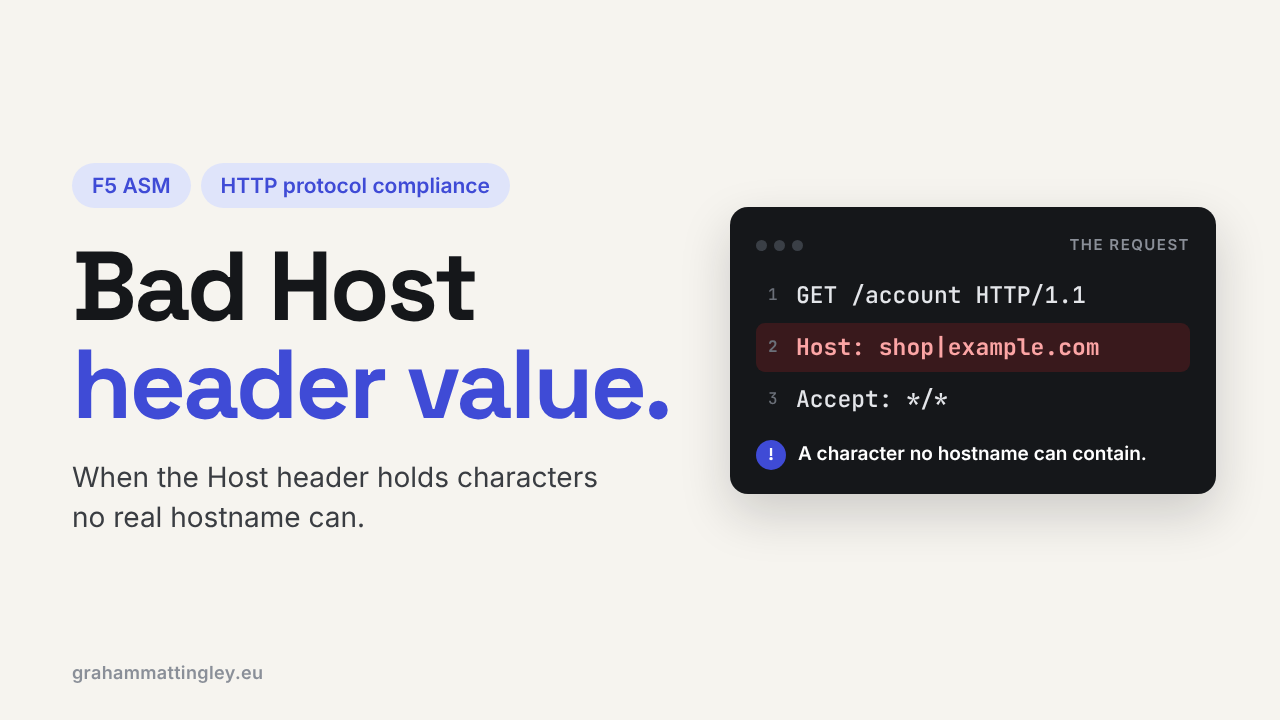
F5 ASM HTTP Protocol Compliance: Bad Host Header Value
Oct 25, 2026Why is F5 ASM flagging a bad Host header value?
Introduction
The Host header tells the web infrastructure which site the client wants. One IP address, one virtual server or one web server can be hosting dozens of sites, and the Host header is how the F5, the proxies and the web server decide which one gets the request.
When F5 ASM or Advanced WAF reports Bad host header value, it has found a Host header that is not valid HTTP. Not an unexpected hostname, and not two Host headers (that is a different check). This one is about the value itself being malformed.
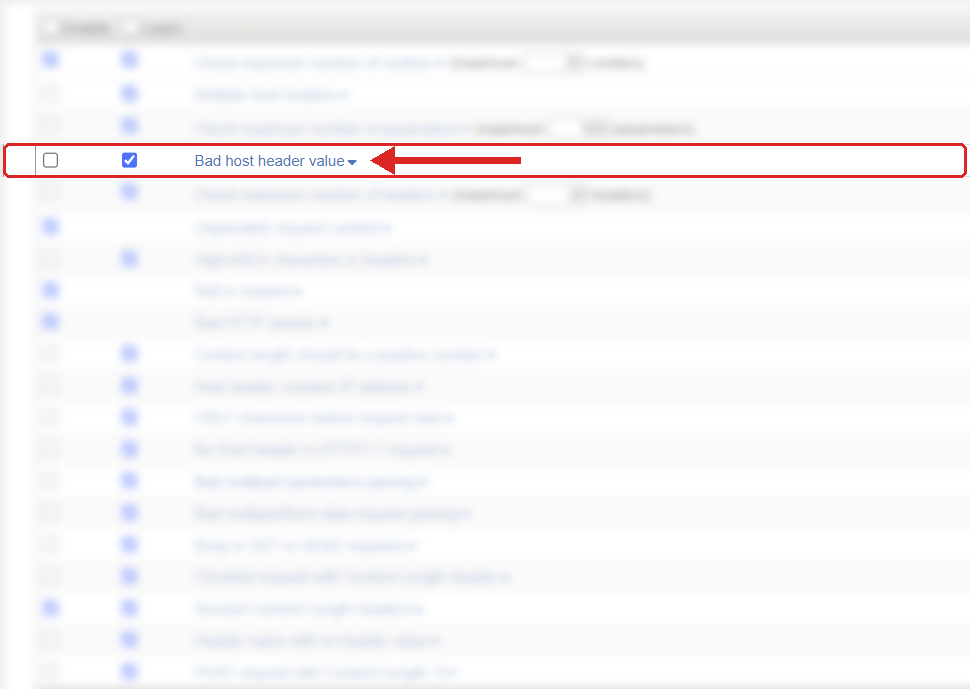
Where to find it: Security › Application Security › Policy Building › Learning and Blocking Settings › HTTP protocol compliance failed. Settings shown are from my lab.
The Problem
A Host header should contain a hostname, and optionally a colon and a port. That's it.
GET /account HTTP/1.1
Host: www.example.com
GET /account HTTP/1.1
Host: www.example.com:8443
Anything else in there is wrong. The one I see most often is somebody putting the whole URL into the Host header:
Host: https://www.example.com/account
That has a scheme and a path in it, and neither belongs in Host. Other examples are illegal characters such as a pipe or a space, a port that isn't a number, or random junk from a fuzzer.
F5 describes this check as detecting a Host header value that is not RFC compliant, and it is enabled by default.
How to Recognise It
In the event log it shows as HTTP protocol compliance failed with the sub-violation Bad host header value. Open the request and look at the raw Host header, exactly as the F5 received it. Don't trust what a dashboard or an access log shows you, because some tools tidy it up.
Then work out who sent it. A normal browser does not send a broken Host header. When you see this it is almost always a custom client, a script, a monitoring probe, a scanner, or a proxy that has built the request badly.
A classic one is a hand-written API integration where the developer has pasted the full endpoint URL into the Host field. It looks fine in the code. It is not valid HTTP.
The Risk
The risk is not that the header looks untidy. The Host header decides where the request goes, so when it is malformed, different devices in the path can do different things with it.
One proxy rejects it. Another tries to fix it. The web server falls back to its default site. The application framework tries to make sense of part of the value. Somewhere down the line you get an error page that tells the attacker what you are running.
HTTP/1.1 says a server must return 400 Bad Request for an invalid Host value. In practice not every component in a long chain does what the RFC says, and attackers send malformed values specifically to find the one that doesn't. It is very often reconnaissance: how does the F5 behave, how does the backend behave, what is the default site?
Mitigation
Leave this check enabled. There is no good reason for a normal HTTP/1.1 client to send a malformed Host value.
When it fires, find the source before you touch the policy. If it is a known integration, monitoring tool or health check, fix the client so it sends just the hostname, plus a port only if it is genuinely needed. It is usually a one-line fix on their side.
Also look at anything that rewrites headers on the way in. An upstream proxy, an API gateway or an iRule that changes the Host header must put a valid hostname in, not a URL, not a path, not a badly formatted port. I have seen iRules do exactly that.
Don't solve it by switching the check off. That doesn't make the request correct, it just passes the problem to the next device.
The check sits in Security › Application Security › Policy Building › Learning and Blocking Settings, under HTTP protocol compliance failed. Blocking is set on that parent violation and the sub-violations are enabled individually, and nothing blocks unless the policy is in blocking mode.
Gotchas and Limitations
This is the important one: a bad Host value and an unexpected Host value are not the same thing.
Host: test.example.net
That is perfectly valid syntax, so it will not trip this check, even if your production application should never answer to it. Controlling which hostnames are allowed is a separate job. Do it on the backend, which should only serve the names it is meant to serve, and in the application, which should use an allowlist of real hostnames for redirects, password reset links and anything else built from the request host.
Also, this check is only about the Host header. X-Forwarded-Host, Forwarded and the HTTP/2 :authority pseudo-header carry similar information but they are different fields with different trust rules.
And HTTPS doesn't help here. TLS protects the connection, but the Host header is inside the request, so a client can send a broken one over HTTPS just as easily as over plain HTTP.
Takeaway
A bad Host header value is malformed input, not just an unfamiliar hostname. Leave the check on, look at the exact value in the request, and fix whatever produced it.
The question to ask is simple: is there only a hostname and an optional port in that header, or has something else been put in there?
Get F5 in Practice by email
One practical F5 insight at a time, written by me from work I've actually done.
Your email stays with me. It is never shared.
No spam. I will never sell your information, for any reason.