F5 ASM HTTP Protocol Compliance: Host header contains IP address
Oct 25, 2026Why is F5 ASM flagging a request with an IP address in the Host header?
Introduction
Almost every real web request has a name in the Host header:
GET /account HTTP/1.1
Host: www.example.com
That is how a browser tells the infrastructure which website it wants. But a client can just as easily send an IP address instead:
GET /account HTTP/1.1
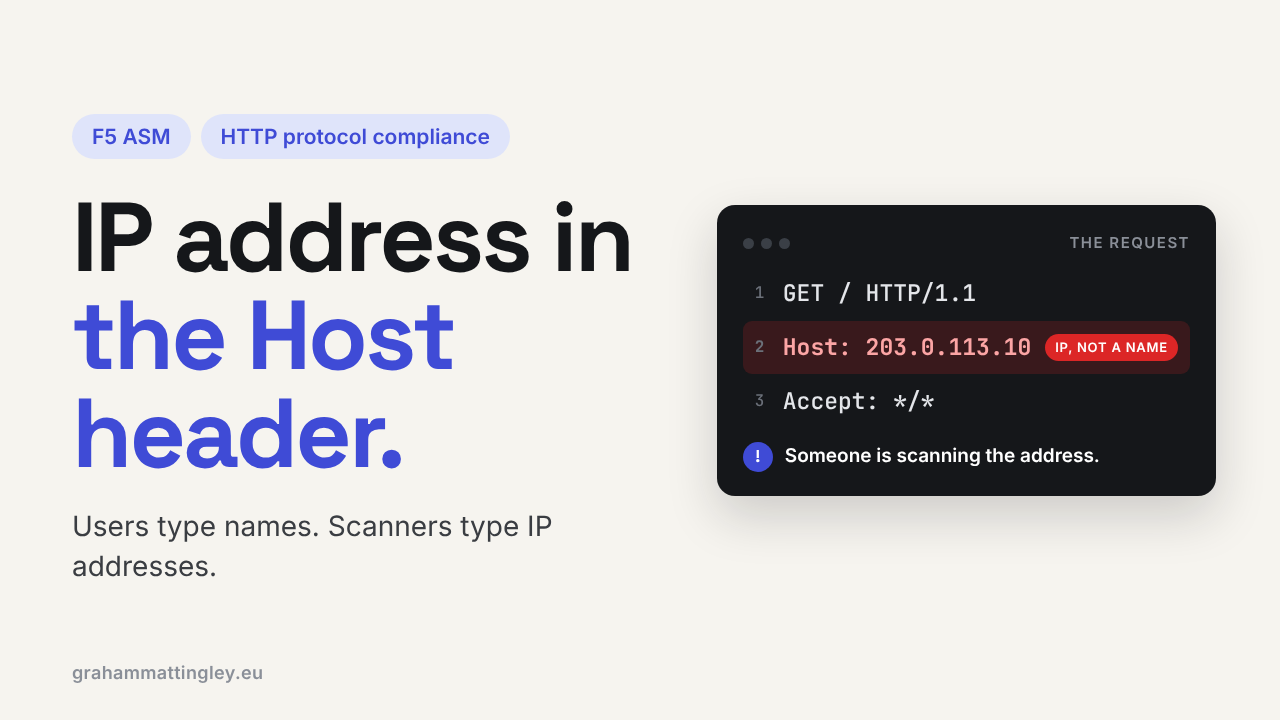
Host: 203.0.113.10
When F5 ASM or Advanced WAF reports Host header contains IP address, it has seen the second one.
Unlike most of the HTTP compliance checks, this is not catching broken HTTP. An IP address is a perfectly legal Host value. It is a hardening option, and the reason it exists is simple: users type names, scanners type IP addresses.
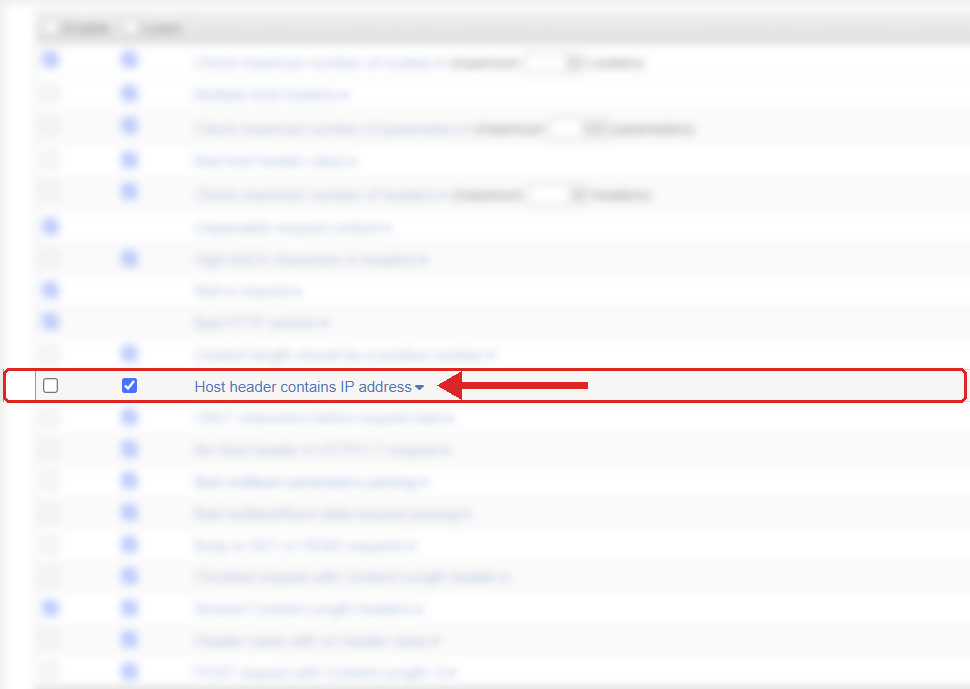
Where to find it: Security › Application Security › Policy Building › Learning and Blocking Settings › HTTP protocol compliance failed. Settings shown are from my lab.
The Problem
The Host header is how one IP address can serve lots of different websites. The BIG-IP, the web server and the application all use it to decide which site, which certificate, which policy and which backend should handle the request.
HTTP allows a name, an IPv4 address or an IPv6 address in square brackets:
Host: www.example.com
Host: 203.0.113.10
Host: [2001:db8::10]
So the real question is not "is this legal?". It is "does my application have any reason to receive requests addressed to an IP?". For a normal public website the answer is almost always no. Your users come in through DNS.
The check is under Security › Application Security › Policy Building › Learning and Blocking Settings, inside HTTP protocol compliance failed. It is disabled by default, precisely because some clients do legitimately use IP addresses. You have to make a decision to turn it on.
How to Recognise It
In the request log you will see HTTP protocol compliance failed with the detail Host header contains IP address. Open the request and look at the Host line.
Don't confuse this with the client's source IP. Every request comes from an IP address, that is normal. This check is about the value inside the Host header.
Then look at who sent it. The user agent, the source address and the URL usually tell the story quite quickly. In my experience it is mostly:
- Scanners and bots working through IP ranges to see what answers.
- Monitoring or test tools somebody has pointed at an IP "because it was quicker".
- Older mobile apps, appliances or integrations configured with an address instead of a name.
The Risk
The main risk is landing somewhere you didn't intend.
If a request comes in with a proper name, it goes to the right virtual host. If it comes in with an IP, the web server behind may fall back to its default site. Sometimes that is a harmless error page. Sometimes it is a default IIS or Apache page that tells the world what you are running, a test site, or an application that was never meant to be reached that way.
It also causes odd behaviour in the application. Anything that builds links from the incoming Host, redirects, password reset links, cookie domains, canonical URLs, can end up generating links with an IP address in them, sometimes an internal one.
And it is reconnaissance. Scanners hit IP addresses directly to find out which sites live there and how the default site responds. Blocking those requests at the edge gives them a lot less to work with.
Mitigation
For a normal browser-based public website I would recommend turning this on. But do it carefully.
Enable the sub-violation, and watch the request log for a week or two before you rely on it for blocking. Remember that blocking is set on the parent HTTP protocol compliance failed violation, so if the parent already blocks, enabling this sub-violation in a blocking policy means it blocks straight away. If you want to watch first, do it on a transparent copy of the policy or check the logs on a test environment.
Look for anything legitimate: mobile apps, health monitors, synthetic monitoring, partner integrations, internal support tools.
If you find a genuine client using an IP, ask why first. Nine times out of ten it can be changed to use the proper name, and that is the better fix. Don't switch the protection off for every application because one old integration was set up lazily.
Also make the backend safe on its own. The default virtual host on your web servers should return a plain error, not a real application, a management page or a directory listing. And the application should not trust the incoming Host when building security-sensitive links. It should use a list of its own approved hostnames.
Gotchas and Limitations
This is valid HTTP. Don't describe it to anybody as malformed or an RFC violation, it isn't. It is a policy choice, which is why it is off by default.
Mobile and embedded clients are the usual false positives. Check them before you block.
Remember IPv6. A Host value like [2001:db8::10] is still an IP address for this check, so test anything that might send one.
And this check is not a hostname allow list. A request with Host: attacker.example is a name, not an IP, so this check won't touch it. Controlling which names are allowed is a separate job, for the virtual server, the web server and the application.
Takeaway
Host header contains IP address is an optional hardening check, not a broken-HTTP check.
Real users arrive by name. Turn it on for public websites, watch the logs first, fix any of your own clients that use an IP, and make sure your default sites are safe whatever the WAF does.
Get F5 in Practice by email
One practical F5 insight at a time, written by me from work I've actually done.
Your email stays with me. It is never shared.
No spam. I will never sell your information, for any reason.