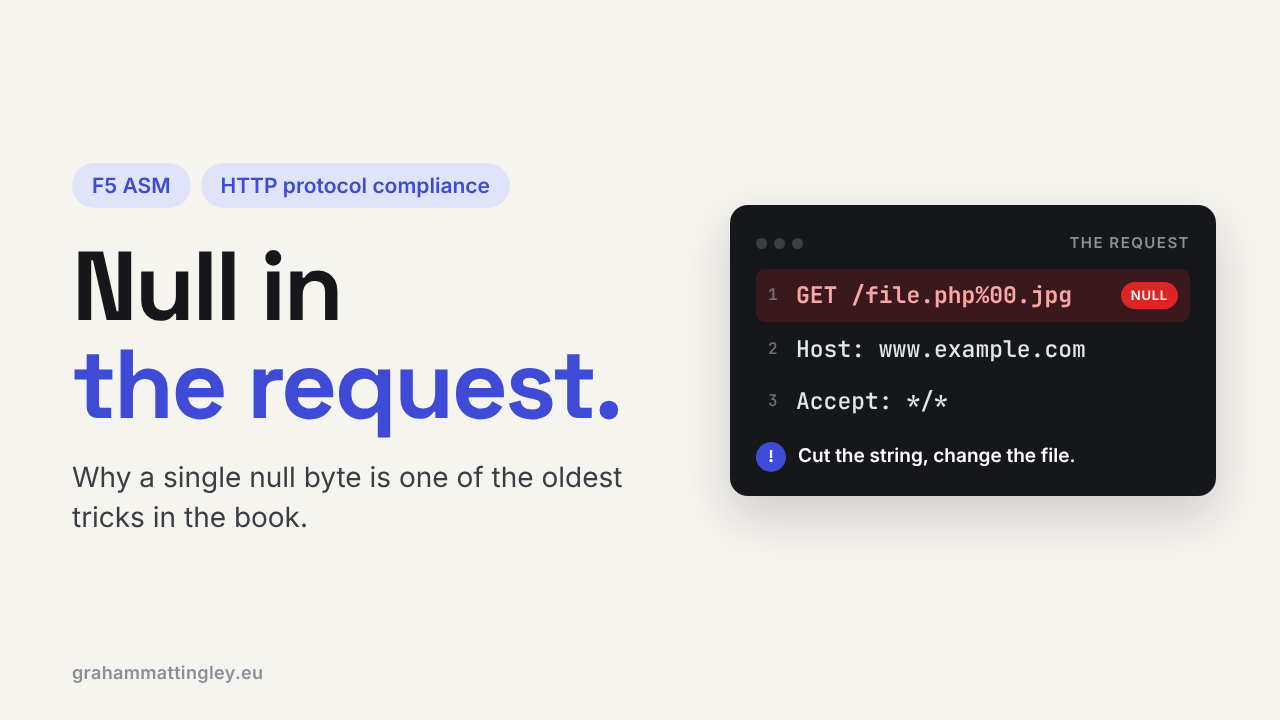
F5 ASM HTTP Protocol Compliance: Null in request
Oct 25, 2026Why is F5 ASM flagging a null character in the request?
Introduction
A null character is not the word "null", and it isn't an empty value either. It is a real byte with the value zero, often written as 0x00 or \x00.
In normal web traffic you should almost never see one, apart from inside binary files being uploaded.
When F5 ASM or Advanced WAF reports Null in request, it has found that zero byte somewhere in the request. It is one of the oldest tricks in the book, and the reason it still matters is that different software treats a null byte in different ways.
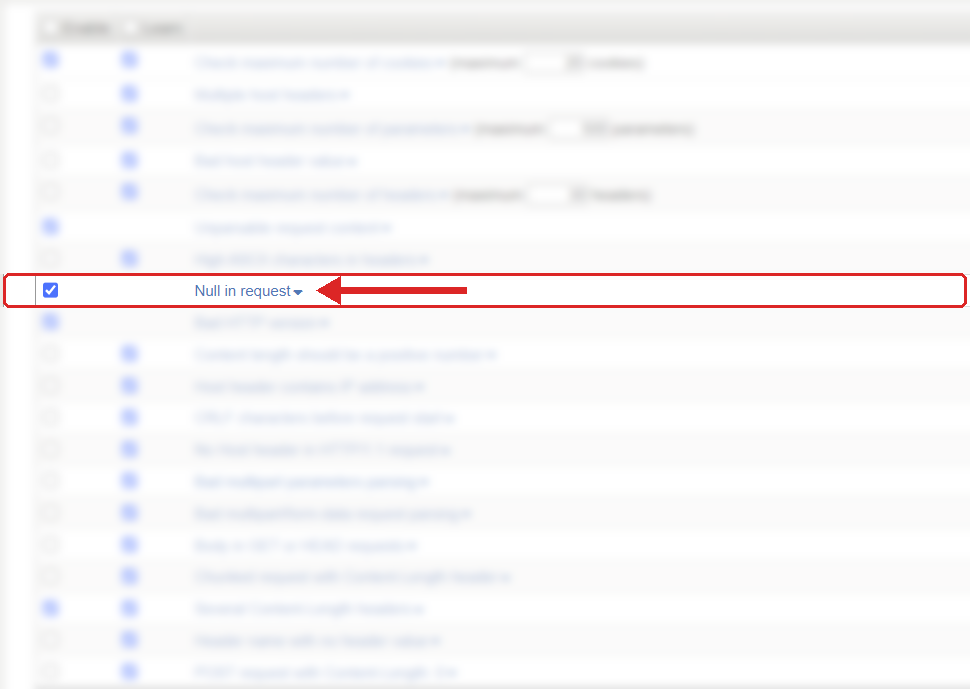
Where to find it: Security › Application Security › Policy Building › Learning and Blocking Settings › HTTP protocol compliance failed. Settings shown are from my lab.
The Problem
Some software, especially older code and anything built on C-style strings, treats a null byte as the end of the string. Modern languages usually don't, and keep the byte as part of the data.
So picture a request for a file that looks like this:
/download/report.php\x00.jpg
One component sees the whole thing and thinks it is a harmless .jpg. Another stops reading at the null byte and sees report.php. Same request, two different files. That gap is exactly what attackers have used for years to get past file type checks.
ASM raises the HTTP protocol compliance sub-violation Null in request when it finds a null anywhere in the request, with one sensible exception: a null in the binary part of a multipart request does not trigger it. That is there because JPEGs, PDFs and ZIP files are full of zero bytes, and blocking every file upload would be silly.
How to Recognise It
The event shows HTTP protocol compliance failed with the sub-violation Null in request.
The first thing to work out is where the null was. In the URL, a parameter or a header it is suspicious and worth looking into. In the binary part of a proper file upload it is excluded anyway, so if you are seeing it around an upload, check whether the client is building the multipart request properly.
Be careful with how it is shown in the logs. These three are not the same thing:
%00
\u0000
\x00
The first is URL encoding, the second is a JSON escape, and the third is just how programmers and log viewers write it. Whether any of them becomes a real zero byte depends on where it is decoded. So look at the violation details in the event rather than assuming from one log line.
Then look at the source. A normal browser session should hardly ever produce this. Most of the time it is a scanner, a fuzzer, a bot or a custom client with a bug.
The Risk
The risk is the same one that runs through most of the protocol compliance checks: two devices in the path seeing different versions of the same input.
If the WAF inspects the full value and the backend truncates it at the null, or the other way round, then the security check was applied to one thing and the application processed something else. File names, paths and IDs are where this bites.
A null byte doesn't automatically mean an exploit. Modern platforms often handle it safely. But it is not something to leave to chance across a CDN, a proxy, the F5, a web server and a framework that all behave a bit differently. The HTTP standard itself says null characters in header values are invalid and dangerous, and that the message should be rejected.
Mitigation
Leave it enabled. It is on by default, and F5 treats it as an unlearnable violation, so there are no learning suggestions and it gets the highest violation rating. That tells you how F5 sees it: there is no legitimate reason for a null byte in a URL, a parameter or a header.
So don't look for a way to accept it. Find out where it came from.
If it is a scanner, a bot or an unknown client, blocking it is the right result. If it is something you own, such as an integration, a test tool or an internal proxy, fix how it builds URLs, handles file names or encodes data.
If the data really is binary, send it as a proper multipart upload or through an API designed for binary content. Never in a header, a query string or a normal form field.
And the application should still do its own validation on file names, paths and IDs after decoding. The WAF stops the malformed input at the front door, but it isn't a replacement for the application checking its own data.
The setting is in Security › Application Security › Policy Building › Learning and Blocking Settings, under HTTP protocol compliance failed. Blocking is set on the parent violation, the sub-violations are enabled individually, and nothing blocks unless the policy is in blocking mode.
Gotchas and Limitations
The biggest mistake is treating the text %00 and a real zero byte as the same thing without checking. Look at both the raw request and the decoded view in the event before you make any policy decision.
Don't confuse this with High ASCII characters in headers. That is about bytes above 127. A null is byte zero. Both are unusual, but they are different risks.
And a null-byte event doesn't prove your application is vulnerable. It may well mean the WAF did exactly its job. Treat it as evidence that something sent abnormal data, then find out whether that something was hostile, broken, or yours.
Takeaway
Null in request stops different components seeing different versions of the same request. F5 treats a null as unacceptable everywhere except the binary part of a multipart upload.
Leave it on. When it fires, find where the null was and whether it was a real byte, encoded text or file content, then fix the client that sent it rather than relaxing the policy.
Get F5 in Practice by email
One practical F5 insight at a time, written by me from work I've actually done.
Your email stays with me. It is never shared.
No spam. I will never sell your information, for any reason.