F5 ASM HTTP Protocol Compliance: Bad HTTP version
Oct 25, 2026Why is F5 ASM blocking a request with a bad HTTP version?
Introduction
Every HTTP/1.x request starts with a request line. It tells the receiving device three things: the method, the path, and the version of HTTP the client says it is speaking.
GET /products HTTP/1.1
Nobody really looks at that last bit. Browsers, API clients and web servers get it right without anybody thinking about it. So when F5 ASM or Advanced WAF reports Bad HTTP version, it is telling you the client has put something in that position that is not a legal HTTP version.
It is a basic protocol check. It is not checking whether the application supports a particular browser, it is checking whether the request was put together properly before it goes any further.
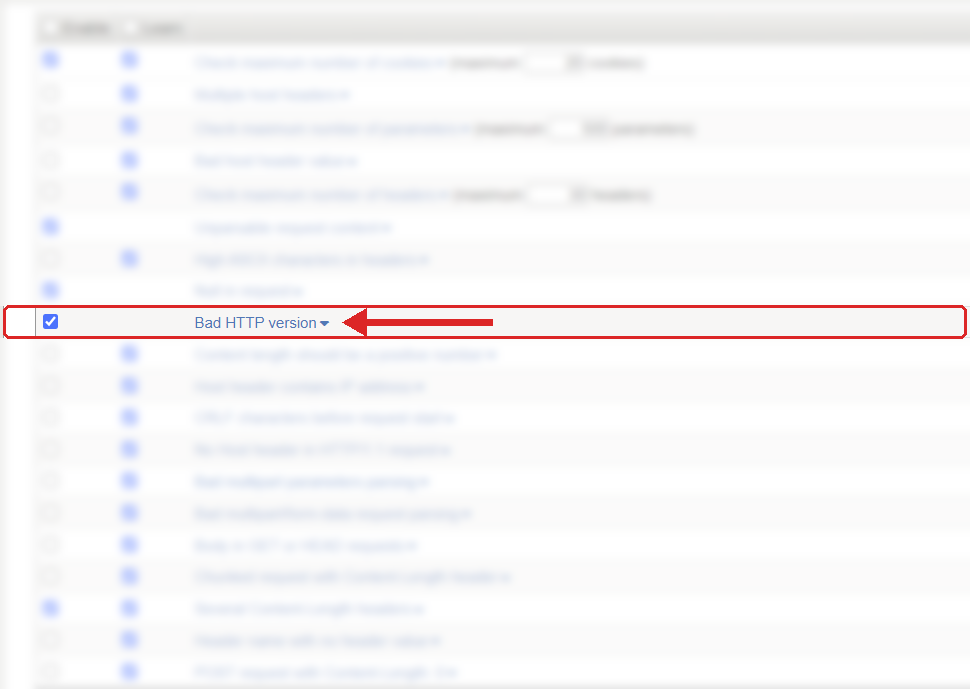
Where to find it: Security › Application Security › Policy Building › Learning and Blocking Settings › HTTP protocol compliance failed. Settings shown are from my lab.
The Problem
The version part of the request line has a fixed format. It is the word HTTP in capitals, a forward slash, then a major and minor number with a full stop in between.
HTTP/1.0
HTTP/1.1
Those are fine. These are not:
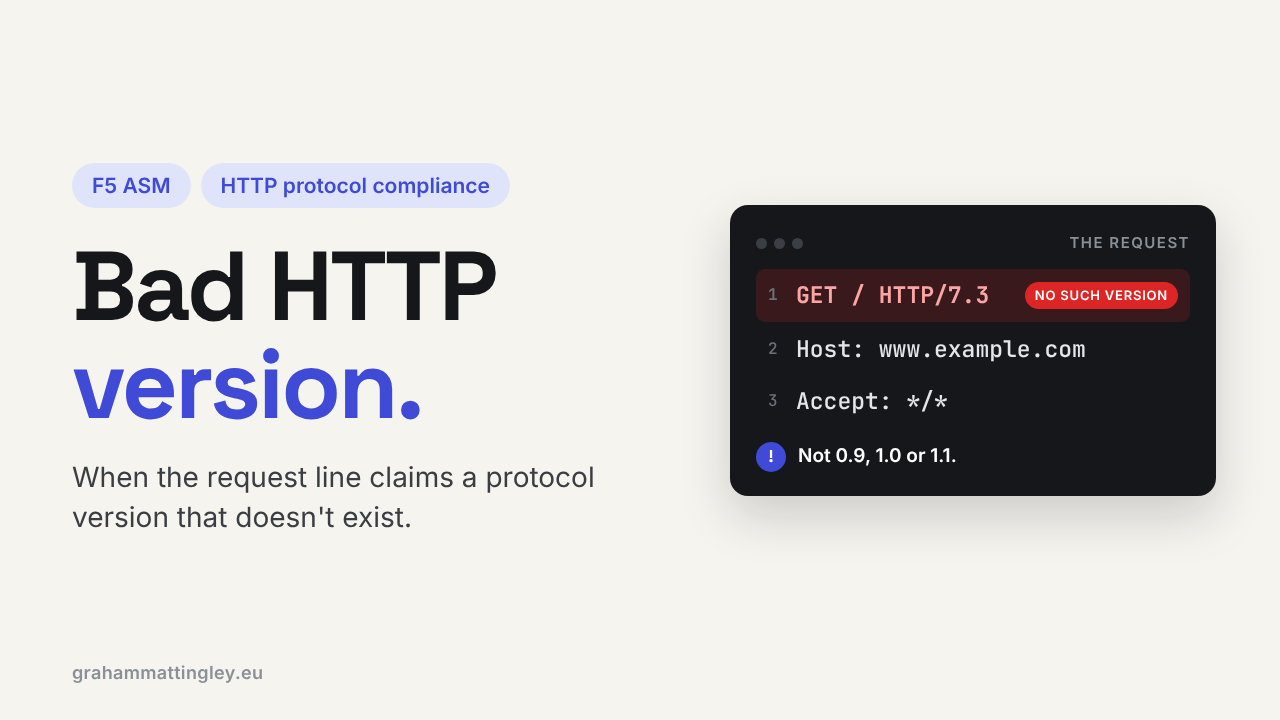
GET / HTTP/ABC
GET / HTTP/1
GET / HTTP/1.1.1
GET / http/1.1
The first one is not a version at all, the second is missing the minor number, the third has too many parts, and the fourth is lower case, which matters because the token is case sensitive.
The check lives under Security › Application Security › Policy Building › Learning and Blocking Settings, inside HTTP protocol compliance failed. Each sub-violation is switched on or off on its own, but the Learn, Alarm and Block settings are on the parent, so blocking applies to every sub-violation you have enabled in the group.
How to Recognise It
In the request log you will see the violation HTTP protocol compliance failed, and when you open it up the detail will say Bad HTTP version.
Look at the raw request line first. Don't go by what the client or the developer tells you it sends, look at what actually arrived at the BIG-IP.
Then find out where it came from. A normal browser is not going to do this. In my experience it is nearly always one of these:
- A scanner or bot deliberately sending rubbish to see how the server reacts.
- A hand-written script or test tool where somebody has typed the request line themselves.
- A health monitor or synthetic check with a badly written send string.
That last one is worth checking carefully. A hand-written send string with a typo in the version, or extra characters after HTTP/1.1, can be enough to trigger it. F5 has had bugs in some versions where white space after the version was flagged, so if it is your own monitor, look at the exact bytes.
Another one I see is a developer who wants to "test HTTP/2" and writes this in a socket script:
GET /api/orders HTTP/2.0
That is not how HTTP/2 works. HTTP/2 is a binary protocol with its own framing, negotiated during the TLS handshake, and on BIG-IP it is handled by the HTTP/2 profile on the virtual server. Typing 2.0 on the end of a text request line just gives you a broken HTTP/1 request.
The Risk
On its own, a bad version is not an attack. It might just be a broken client.
The concern is how different devices handle it. The request may go through a CDN, the BIG-IP, a web server and an application framework. One of those might reject it, another might fall back to HTTP/1.0 behaviour, another might just try and cope with it. When devices in the path disagree about what a request is, that is exactly what attackers go looking for, because it is where things slip through.
There is no good reason to let a malformed request line travel any further into the network. Stopping it at the edge means the backend never has to parse it, log it or produce a strange error page for it.
Mitigation
For an internet-facing application I would recommend leaving Bad HTTP version enabled. A working client has no reason to send an illegal version, so false positives are rare.
When it fires, find the source before you touch the policy.
If it is a scanner, bot or unknown client, blocking it is the right answer and you don't need to do anything.
If it is something you own, a monitor, a test harness, an integration or a proxy, fix that component so it sends a proper request line:
GET /health HTTP/1.1
Host: app.example.com
Please don't disable the sub-violation for the whole policy because one internal tool has a typo in it. Fix the tool.
Gotchas and Limitations
The biggest one is mixing this up with HTTP/2 and HTTP/3 support. Those protocols are not switched on by typing a new number into the request line. If you want HTTP/2 on the client side, that is the HTTP/2 profile on the virtual server, not anything in the ASM policy.
F5's documentation also differs a little between versions on the lowest version accepted. The declarative WAF reference talks about 0.9 or higher, and some older ASM documentation says 1.0. For a modern public application, HTTP/1.1 is the realistic baseline, so I would not build anything around that difference.
Also remember this check only looks at the version. A request can have a perfectly good HTTP/1.1 on the end and still have a bad method, a bad Host header or too many headers. Those are different checks.
And as always, a logged violation is not the same as a blocked request. It only blocks if the policy is in Blocking mode and Block is ticked on HTTP protocol compliance failed.
Takeaway
Bad HTTP version means the request line ends with something that is not a legal HTTP version. It is nearly always a scanner, a bot or a hand-written request.
Leave it enabled, look at the raw request line when it fires, and if it is one of your own tools, fix the tool rather than the policy.
Get F5 in Practice by email
One practical F5 insight at a time, written by me from work I've actually done.
Your email stays with me. It is never shared.
No spam. I will never sell your information, for any reason.