F5 ASM HTTP Protocol Compliance: Bad multipart/form-data request parsing
Oct 25, 2026Why is F5 ASM reporting "Bad multipart/form-data request parsing" for my file upload?
Introduction
From the user's side a file upload is simple. Pick a file, press Submit, done. Behind that, the browser sends the request as multipart/form-data, which chops the body into separate parts so it can carry normal form fields and the file in the same request.
The F5 ASM check Bad multipart/form-data request parsing looks at each of those parts and asks one question: does this part tell me which form field it is? If a part does not, ASM raises the violation.
So this check is not really about the file. It is about whether every part of the upload is labelled properly, so ASM can inspect it as a named parameter.
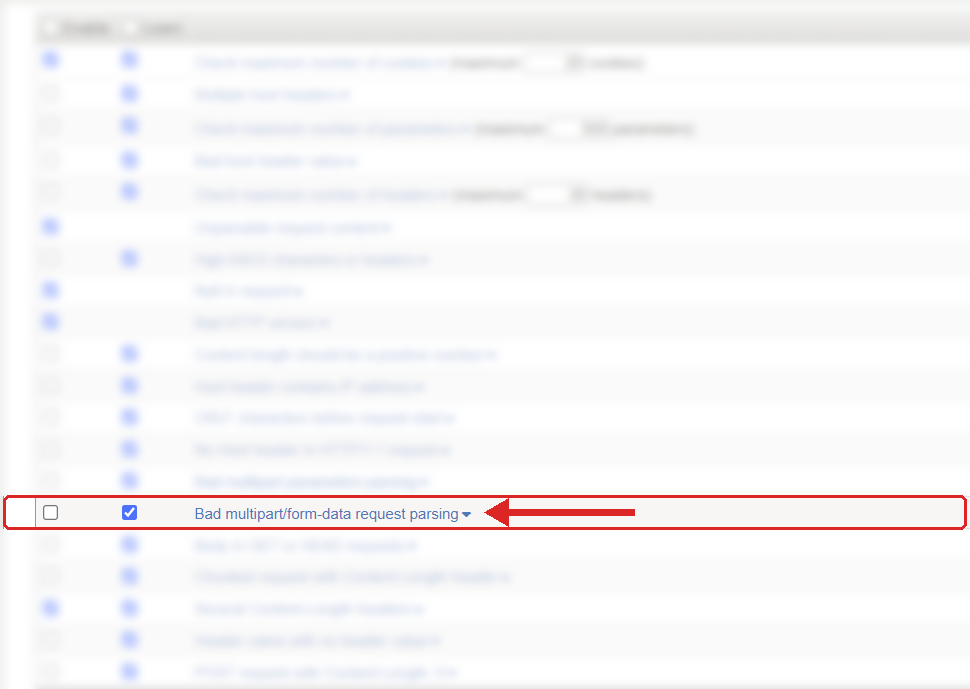
Where to find it: Security › Application Security › Policy Building › Learning and Blocking Settings › HTTP protocol compliance failed. Settings shown are from my lab.
The Problem
A multipart request starts with a header like this:
Content-Type: multipart/form-data; boundary=----ExampleBoundary
The body is then split up using that boundary, and each part should have a Content-Disposition header with a name. For a file it normally has a filename as well. A good part looks like this:
------ExampleBoundary
Content-Disposition: form-data; name="supportingDocument"; filename="invoice.pdf"
Content-Type: application/pdf

[file content]
------ExampleBoundary--
ASM checks that every part in a multipart/form-data request has the Content-Disposition header and the name. If either is missing, the part cannot be tied to a form field, and ASM flags it.
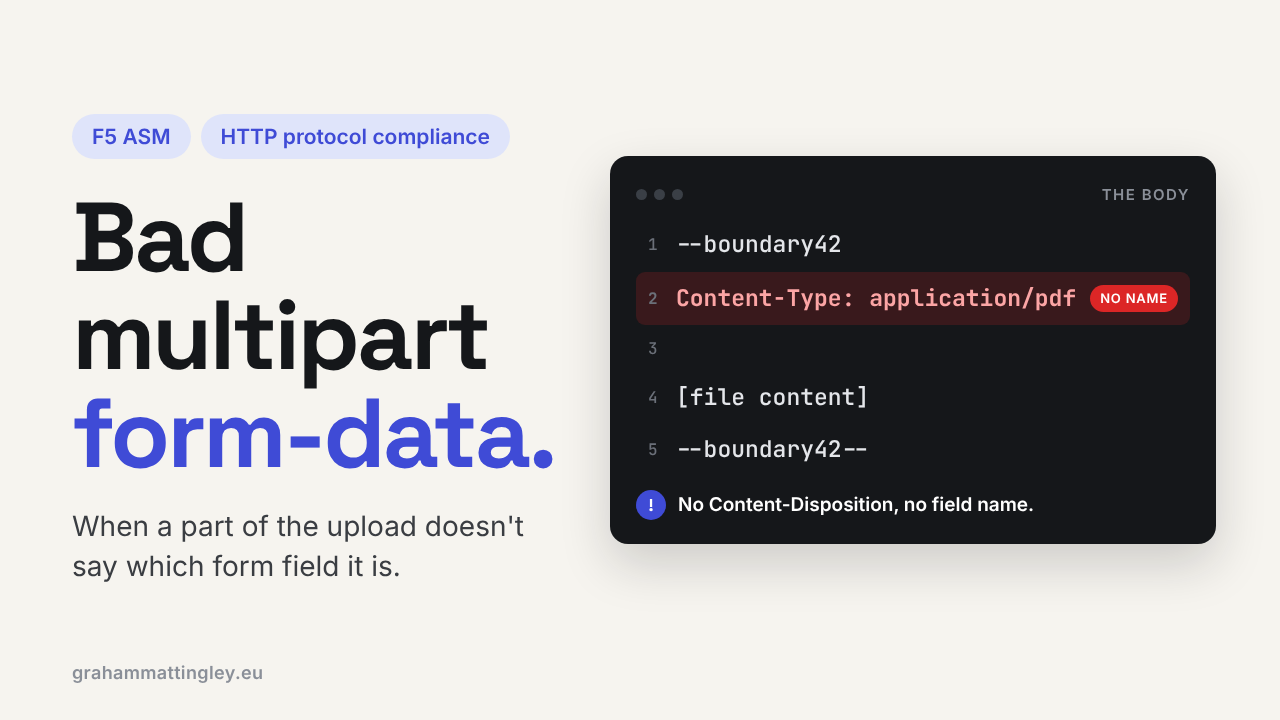
A bad part usually looks like this. Valid file, valid boundaries, but nothing saying what the part is:
------ExampleBoundary
Content-Type: application/pdf

[file content]
------ExampleBoundary--
Browsers almost never do this. It nearly always comes from hand-built requests, an old library, a low-code platform, an embedded device, or a proxy or gateway that rewrites the body badly on the way through.
Don't mix this up with its neighbour, Bad multipart parameters parsing. That one is about the overall structure of the multipart body (boundaries, line endings, the closing boundary). This one is narrower. The boundaries can be perfect and it still fires, because one part has no name.
How to Recognise It
The usual symptom is an upload that fails. The user gets a blocking page or a 403, or the upload just seems to do nothing, and the application team say they never received the request. That last bit is the clue, because ASM stopped it before it reached the pool member.
In the request log, look for the parent violation HTTP protocol compliance failed with the sub-violation Bad multipart/form-data request parsing. Open the request and look at the body, part by part. You are looking for a part with no Content-Disposition, or one with Content-Disposition but no name.
For a browser upload, the Network tab in the developer tools shows you the request. For an API client or integration you will need the client logs or a capture somewhere close to the BIG-IP, so you see what ASM actually received rather than what the developer thinks they sent.
The Risk
The operational risk is obvious: real users cannot upload files. Expense claims, insurance evidence, support attachments, job applications, all of it stops.
The security reason for the check is that ASM can only inspect a parameter properly if it knows where the parameter starts, what it is called and where it ends. An unnamed part is a lump of data with no label. One component may ignore it, another may give it a default name, and the application may process it in a way the WAF never saw. That gap between what the WAF inspects and what the application processes is exactly what attackers look for.
Passing this check does not make an upload safe, though. It says nothing about the file type, the file content, the filename or whether the user should be uploading at all. Those still need controls of their own.
Mitigation
Fix the client, not the policy. Compare a failing request with a working one and check every part for Content-Disposition: form-data; name="...".
For browser applications, let the browser build the body using FormData rather than constructing multipart text by hand. For API clients and integrations, use the multipart support in a proper HTTP library. A decent library builds the boundaries, headers and names together, and gets them right.
If the client looks fine, check whatever sits in front of BIG-IP: reverse proxies, API gateways, middleware, or an iRule that touches the payload. Something that strips or rebuilds part headers can turn a good request into a bad one.
The setting lives in Security › Application Security › Policy Building › Learning and Blocking Settings, under HTTP protocol compliance failed. Remember that the Block flag is on the parent violation, and the individual sub-violations are switched on or off underneath it. I would recommend leaving this one enabled.
Gotchas and Limitations
Lots of things break uploads. File size limits, disallowed file types, request length limits, attack signatures matching the file content, or the application itself rejecting it. Always check which violation actually fired before you start changing things.
A filename is not a field name. A part can have filename="invoice.pdf" and still fail this check, because the name parameter is the one ASM needs.
And please don't turn the sub-violation off for the whole policy because one integration is broken. Get the integration fixed. If you really need a temporary workaround, keep it as narrow as you can and write down why it is there.
Takeaway
Bad multipart/form-data request parsing means at least one part of the upload is missing its Content-Disposition header or its name. Capture the failing request, look at every part, not just the main headers, and fix whatever is building the body. Leave the check on so ASM can see every field it is meant to be inspecting.
Get F5 in Practice by email
One practical F5 insight at a time, written by me from work I've actually done.
Your email stays with me. It is never shared.
No spam. I will never sell your information, for any reason.