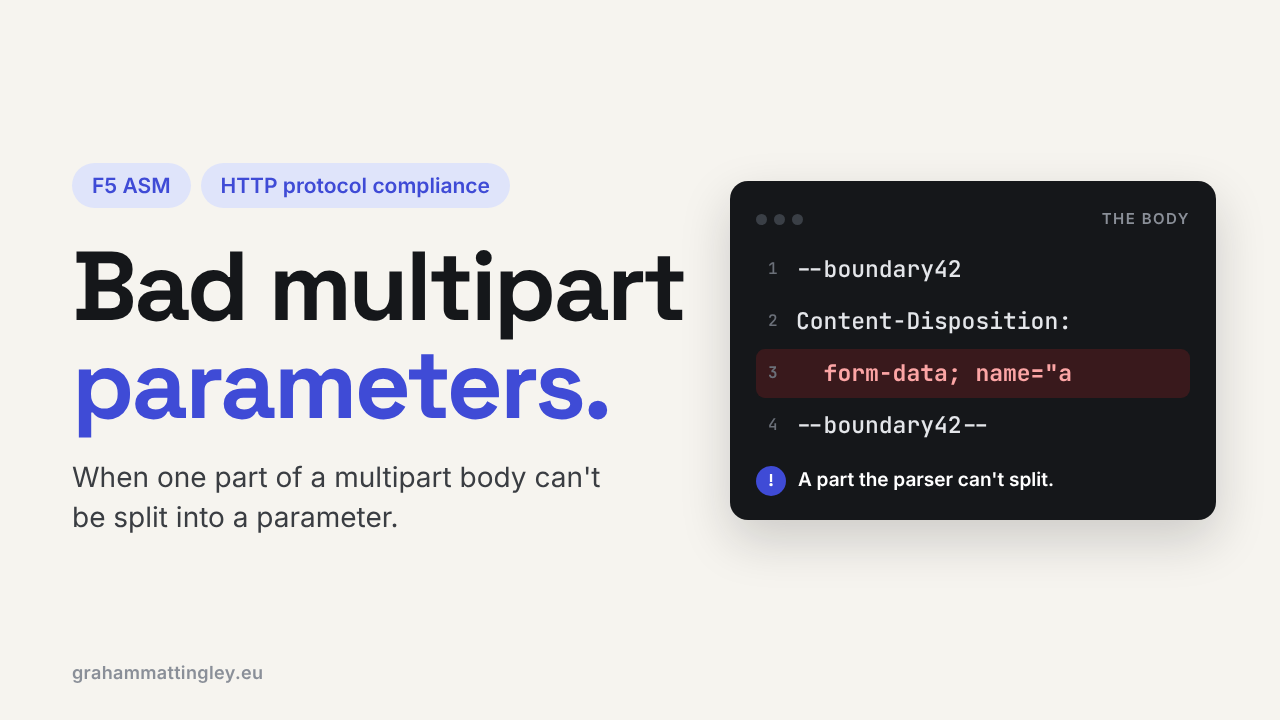
F5 ASM HTTP Protocol Compliance: Bad multipart parameters parsing
Oct 25, 2026Why is F5 ASM blocking my file upload with "Bad multipart parameters parsing"?
Introduction
When a form sends text fields and a file together, or an application uploads a document, it normally uses multipart/form-data. That is not just a blob of data. It has a structure: a boundary marks where each part starts, every part has its own small set of headers, and the whole thing has to finish with a final boundary.
The Bad multipart parameters parsing check fires when ASM cannot work out that structure. To the user it usually looks like a broken upload page. To the application team it looks like nothing at all, because the request never reached the server.
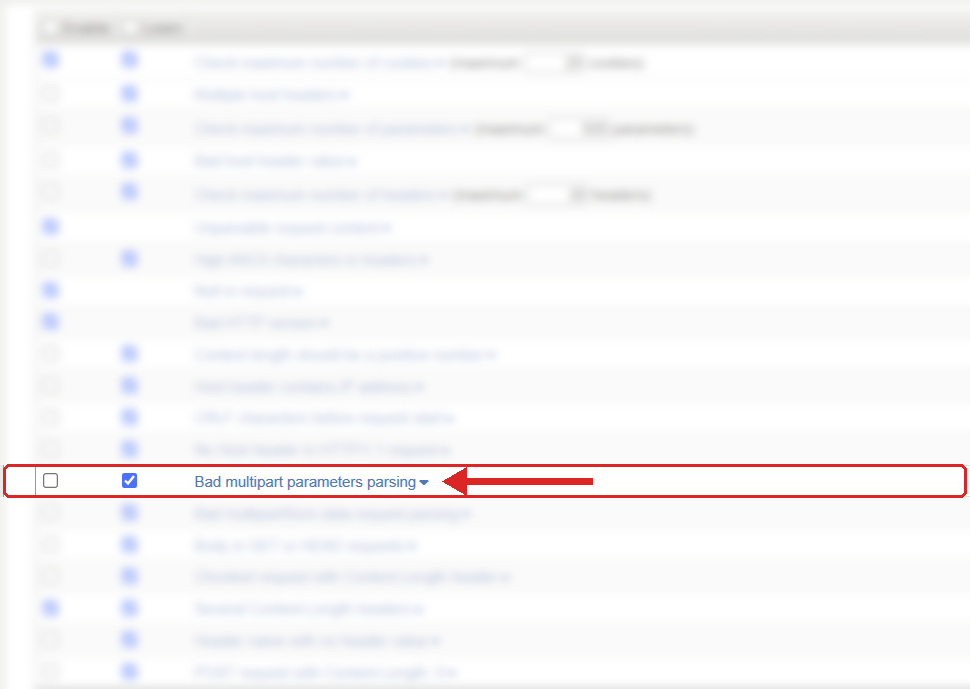
Where to find it: Security › Application Security › Policy Building › Learning and Blocking Settings › HTTP protocol compliance failed. Settings shown are from my lab.
The Problem
The request header tells the server the body is multipart, and gives it the boundary to look for:
Content-Type: multipart/form-data; boundary=----ExampleBoundary
The body then uses that exact boundary to split the parts. ASM has to parse this properly before it can check any of the parameters or the uploaded content. If it can't tell where a parameter starts and ends, it can't inspect it.
F5 lists the things this check looks for: a missing or misplaced boundary, a badly formed multipart parameter, a broken chunked body, no final boundary, or data sitting after the final boundary. In plain English, the request says it is multipart but the body doesn't follow the rules well enough to read safely.
The one I see most often is a JavaScript developer using FormData correctly and then setting the header by hand:
Content-Type: multipart/form-data
The boundary has gone. The browser still sends a multipart body, but nothing tells ASM, or the application, what separates the parts.
How to Recognise It
The classic sign is that the upload works with the policy in transparent and fails as soon as it goes to blocking. The user gets the blocking page, a 403, or a form that just refreshes.
In the request log you will see HTTP protocol compliance failed with the sub-violation Bad multipart parameters parsing. That tells you straight away it is a structure problem, not an attack signature and not a normal parameter violation.
Then look at the request itself. Is there a boundary= on the Content-Type header? Does the body actually use that same value all the way through, and does it end with the final boundary? For a browser, open the developer tools and look at the request. For an API or integration, capture what the client really sends. Don't trust what the code is supposed to send.
The Risk
The operational risk is obvious: real users can't upload files. Onboarding documents, support screenshots, insurance claims, CVs, all of it stops.
The security reason for the check matters just as much. Attackers look for differences between how the WAF reads a request and how the application reads it. If the multipart structure is ambiguous, ASM might inspect one version of the body while the application processes another. Rejecting malformed multipart closes that gap.
It doesn't replace application security though. The application still needs its own file type and size limits, malware scanning where it matters, and safe storage of whatever gets uploaded.
Mitigation
Don't turn the check off because an upload broke. Find the request that failed and compare it with one that works. Most of the time the difference is obvious once you look: the boundary is missing from the header, the body uses a different boundary, or the final boundary is missing.
For browser JavaScript the fix is usually one line. When you use FormData, don't set Content-Type yourself. Let the browser do it, and it will add the boundary that matches the body.
For API clients and server-to-server integrations, use a proper HTTP client library that builds the header and the body together. I would avoid building multipart text by hand unless there is a very good reason.
If the client is wrong, fix the client. If something in the middle is rewriting the request, a proxy, a gateway or an iRule, fix that. Only think about an exception once you know exactly what is non-standard and why it has to be allowed.
Gotchas and Limitations
This is not the same as Bad multipart/form-data request parsing. That one looks for the required pieces inside each part, like Content-Disposition and the name. This one is about whether the overall structure can be parsed at all.
Not every failing upload is the client's fault either. A device in front of the BIG-IP that strips the boundary, changes line endings or mishandles chunked encoding can break a request that was perfectly fine when it left the browser.
And remember that a request passing this check only means the structure was readable. It says nothing about whether the file inside is safe.
Takeaway
Bad multipart parameters parsing means ASM couldn't safely read the structure of a multipart request. Check the boundary on the Content-Type header, check the body uses it from start to finish, and fix whatever built the request wrong. Leave the check on.
Get F5 in Practice by email
One practical F5 insight at a time, written by me from work I've actually done.
Your email stays with me. It is never shared.
No spam. I will never sell your information, for any reason.