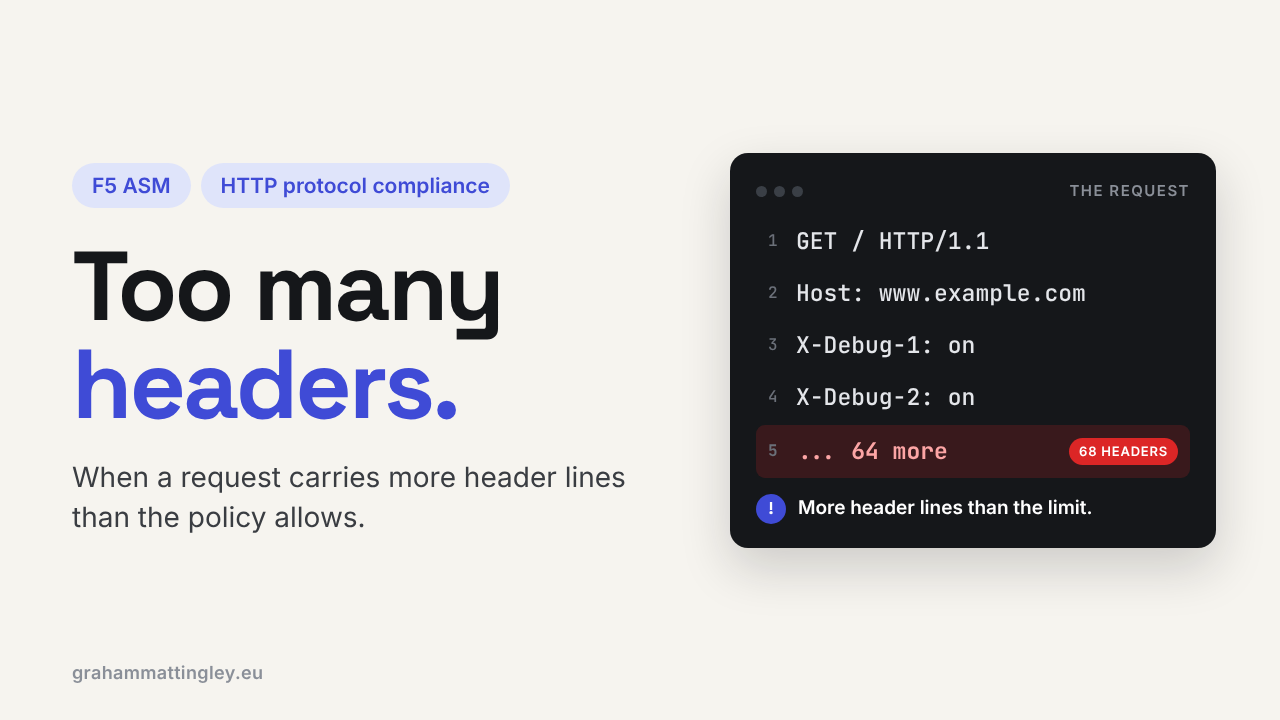
F5 ASM HTTP Protocol Compliance: Check maximum number of headers
Oct 25, 2026Why is F5 ASM flagging a request with too many HTTP headers?
Introduction
Every request has headers. Host, User-Agent, Accept, Cookie, Referer, and these days a whole collection of Sec-Fetch and client hint headers that modern browsers add on their own.
So when F5 ASM or Advanced WAF reports Check maximum number of headers, it can look like the WAF is being fussy about a normal browser. Sometimes it is. Sometimes it has caught something that should never reach the server.
Like the cookie and parameter checks, this one is a count. It doesn't measure the size of the headers and it doesn't care what is in them. It just asks whether the request has more separate header lines than the policy allows.
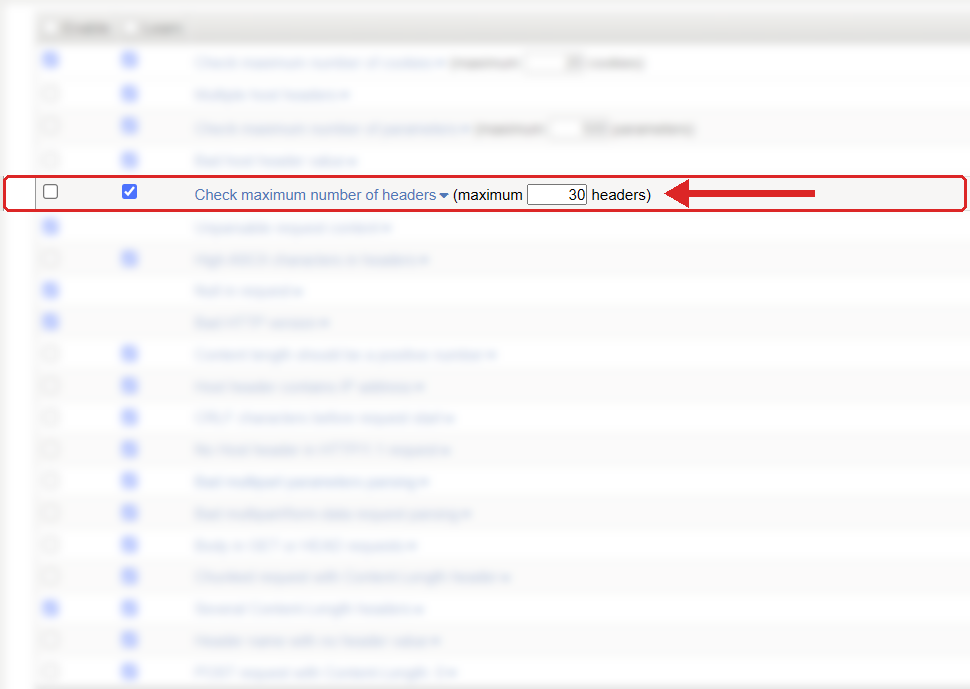
Where to find it: Security › Application Security › Policy Building › Learning and Blocking Settings › HTTP protocol compliance failed. Settings shown are from my lab.
The Problem
A request is a request line, a set of headers, a blank line and sometimes a body:
GET /products HTTP/1.1
Host: www.example.com
User-Agent: Mozilla/5.0
Accept: text/html
Accept-Language: en-GB
Cookie: sessionid=abc123
That is five headers. ASM counts them, compares the count with the policy maximum, and if it is over, raises the HTTP protocol compliance sub-violation Check maximum number of headers.
The default in a standard policy is 20, and the check is enabled. Some templates use a different value, so look at what your own policy says rather than trusting a number from somewhere else.
And again, count is not size. A request with 100 tiny headers might be small in bytes, but every one of those headers has to be split out, stored and checked by the F5, then again by the web server, then again by the framework. One enormous header is a different problem, caught by a length check, not this one.
How to Recognise It
You will see HTTP protocol compliance failed with the sub-violation Check maximum number of headers. Open the request and count the headers yourself.
Then look at where they came from. A modern Chrome or Edge request can legitimately carry a lot more headers than a browser did ten years ago, especially on cross-origin calls or with client hints turned on. Enterprise browser extensions and security agents add their own as well.
The other side of it is junk. A scanner or a test tool sending something like this:
X-Test-001: a
X-Test-002: a
X-Test-003: a
and on for a few hundred lines. None of them look dangerous on their own. Together they are a request no real user would ever send.
The Risk
The risk is parser work. A CDN, a reverse proxy, the BIG-IP, the web server and the application framework all have to process every header. Lots of small headers can burn CPU and memory without using much bandwidth at all.
It is also a way of looking for differences between devices. The F5, the proxy and the web server will all have different limits for header count and header size. If one accepts what another rejects, you get odd behaviour, odd errors and a very long troubleshooting session. Attackers like those gaps.
HTTP itself doesn't set a maximum number of headers. It leaves each server to decide what it will accept. So the limit is your decision, and it should be based on what your application actually needs.
Mitigation
Look at real traffic before you change the number. Check normal browsing, logged-in users, admin pages, the API, mobile clients, health monitors and single sign-on journeys, and anything that comes through an upstream proxy or CDN.
I would expect 20 to be too tight for some modern applications. If normal browser traffic peaks at 28 headers and the admin journey reaches 34, then 35 is too close. Something like 45 or 50 gives room for a new browser version or one more header from the CDN, while still stopping a request with hundreds.
Then fix the source of anything legitimate that is excessive. If a proxy is adding headers nobody uses, take them off. If a monitoring tool is stuffing in diagnostic headers, change the tool. Don't just raise the limit to 500 because one thing went over.
The setting is in Security › Application Security › Policy Building › Learning and Blocking Settings, under HTTP protocol compliance failed. Blocking is on the parent violation, the sub-violations are enabled one by one, and nothing is blocked unless the policy is in blocking mode.
Gotchas and Limitations
Don't assume the browser sent all the headers. CDNs, proxies, API gateways, identity services and security products all add their own on the way through. When the count is high, trace the request through the whole path and find out where the extra ones appeared.
Don't confuse count with size. Fifty small headers trip this check. One huge Cookie or Authorization header does not, but it may trip a length limit somewhere else.
And this check says nothing about what is inside the headers. A request with only ten headers can still have an attack in the Host, the Cookie, the User-Agent or X-Forwarded-For. That is the job of the other compliance checks, the signatures and the application itself.
Takeaway
Check maximum number of headers limits how many separate header lines the F5 will accept in one request. It protects the parsers in front of your application, not the bandwidth.
When it fires, count the headers in the raw request, find out which device added them, and decide whether it is a genuine user journey or traffic that should never reach the backend.
Get F5 in Practice by email
One practical F5 insight at a time, written by me from work I've actually done.
Your email stays with me. It is never shared.
No spam. I will never sell your information, for any reason.