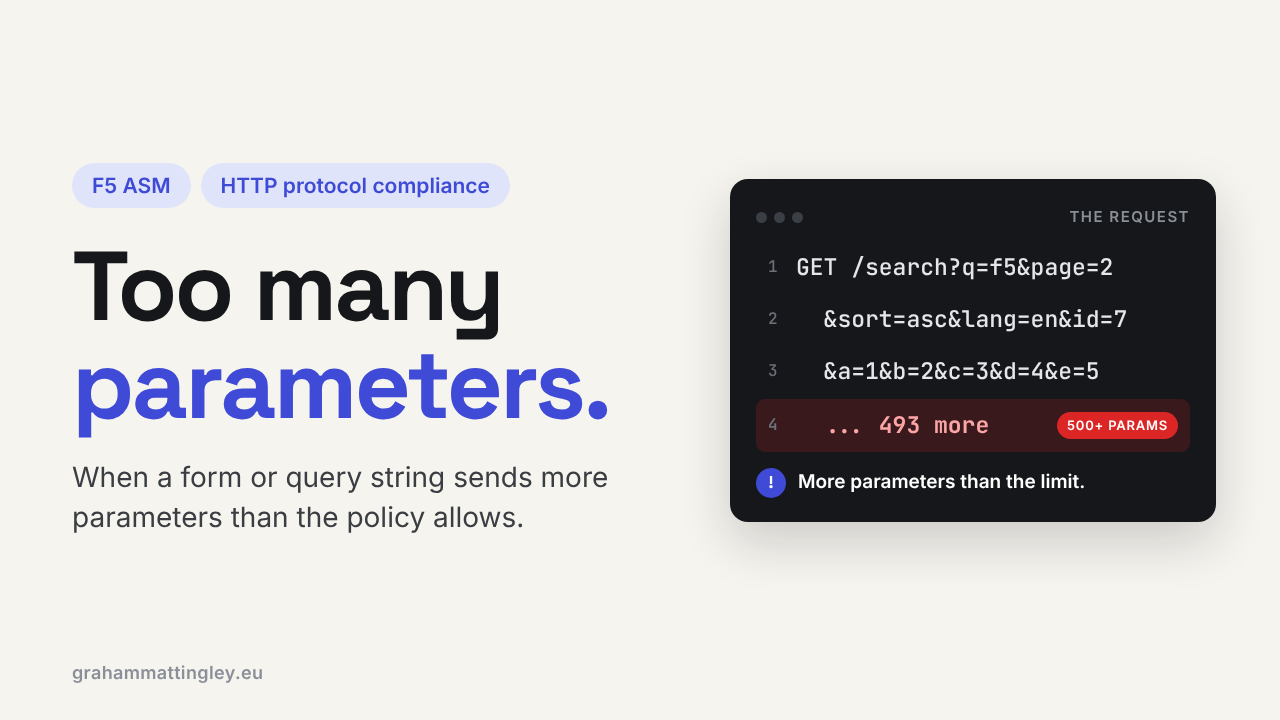
F5 ASM HTTP Protocol Compliance: Check Maximum Number of Parameters
Oct 25, 2026Why is F5 ASM flagging a request for too many parameters?
Introduction
Parameters are normal. A login form sends a username, a password, a return URL and an anti-forgery token. A search page sends filters, a sort order and a page number. Every application has them.
So when F5 ASM or Advanced WAF reports Check maximum number of parameters, the first reaction is usually "how can that be an attack?"
It is a count, nothing more. It does not look at the size of the request, the length of a value, or whether a value contains an attack. It just asks one question: does this request carry more parameters than the policy allows?
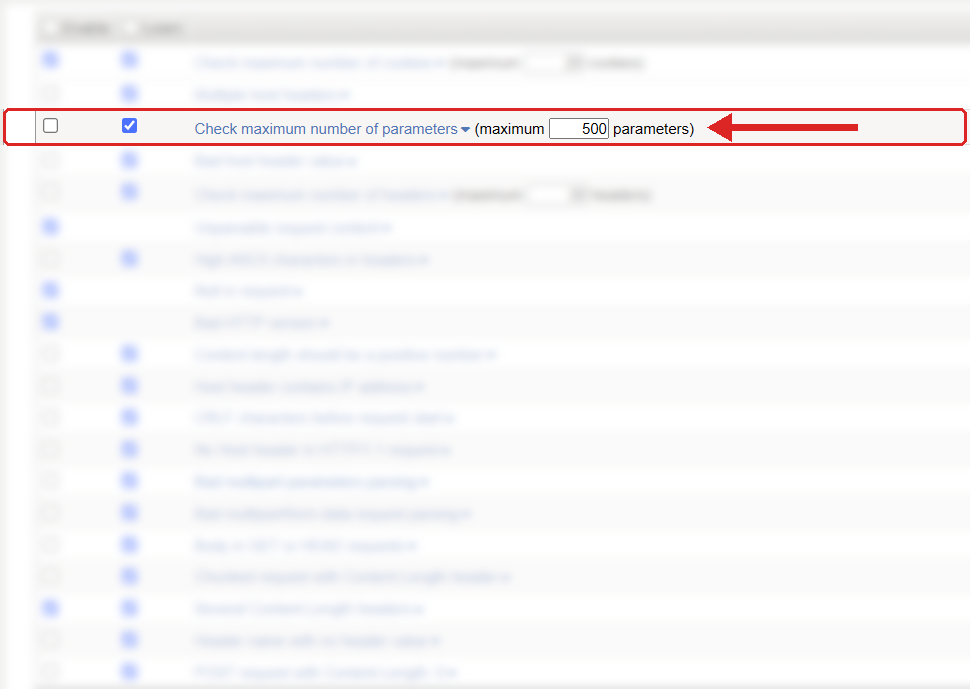
Where to find it: Security › Application Security › Policy Building › Learning and Blocking Settings › HTTP protocol compliance failed. Settings shown are from my lab.
The Problem
A parameter is a name and a value. This URL has three:
/search?category=training&level=advanced&page=2
Parameters also arrive in the body of a POST, for example a normal HTML form sent as application/x-www-form-urlencoded. ASM counts the parameters in the query string and the POST data, and if the total is over the configured maximum it raises the HTTP protocol compliance sub-violation Check maximum number of parameters.
On the policies I work with it is enabled by default with a maximum of 500. That is a starting point from F5, not a number that is right for every application.
The important bit is that parameter count is not request size. A request with 1,000 tiny parameters might only be a few kilobytes, but every one of them still has to be split out, decoded, inspected by ASM, and then parsed again by the web server and the application framework. The risk is the parsing work, not the bandwidth.
How to Recognise It
In the event log you will see the parent violation HTTP protocol compliance failed with the sub-violation Check maximum number of parameters. Open the request and look at the query string and the POST data.
Then work out what sent it. A real example that trips this a lot is a bulk-edit screen. Imagine an admin page that updates 150 products at once, with ten fields per row. That is 1,500 parameters in one submit before you even count the hidden fields. To the application team that is a normal Tuesday. To ASM it is three times the default limit.
The other common source is scanners and fuzzers, which love to throw hundreds of junk parameters at a URL to see what breaks.
So before you change anything, look at the URL, the method, who sent it and whether the parameter names make sense for that page.
The Risk
Every component in the path has to process the parameters. ASM parses them, the web server parses them again, and the application may turn them into objects, arrays, model bindings and database queries.
An attacker can use that. Lots of small, harmless-looking parameters can still consume CPU and memory, and they can be used to look for differences in how ASM and the backend handle repeated names or array-style names like item[0], item[1]. If the WAF and the application read the same request differently, that gap is where problems live.
But the violation on its own does not prove an attack. A big form or an older framework can legitimately send a lot of parameters. The violation tells you the request is outside the limit. It does not tell you why.
Mitigation
Find out what normal looks like first. Check the ordinary pages, the login, the account screens, the search, and especially any admin or bulk functions. The biggest legitimate count on a public search page will be very different from an internal admin screen.
Then set the limit above the highest genuine count with some headroom. If the largest real request has 220 parameters, I would set something like 300, not 230. Tight enough to catch junk, loose enough that one extra hidden field next month doesn't break the page.
What I would not do is jump the limit to several thousand or switch the check off for the whole policy because of one admin page. That removes the control from every URL. If one page genuinely needs a lot of parameters, deal with that page, and ask the developers whether sending 1,500 fields in one request is really the right design. Splitting it into smaller requests is often better for everybody.
The setting lives in Security › Application Security › Policy Building › Learning and Blocking Settings, under HTTP protocol compliance failed. Remember that blocking is set on that parent violation, and the sub-violations are switched on or off individually. Nothing is blocked unless the policy itself is in blocking mode.
Gotchas and Limitations
Do not confuse this with the length checks. Five huge parameter values will sail under the count limit and trip a query string or POST data length check instead. Different controls, different problems.
Do not assume it counts every field in a JSON body either. JSON is handled by the JSON content profile on the URL, which has its own limits. Check how your URLs and content profiles are set up before you assume this limit covers your APIs.
And watch out for repeated names. The same parameter name sent fifty times may be read as an array by one framework and as "last one wins" by another. Look at the raw request and test what the backend actually does with it.
Finally, this check does not replace positive security on parameters. It does not care whether a parameter name is expected, what type the value is, or whether it contains an attack signature. It only counts.
Takeaway
Check maximum number of parameters protects the parsers, not the bandwidth. A request with hundreds of tiny parameters can still make every device in the path do a lot of work.
When it fires, look at the raw request first: how many parameters, which URL, and is it a real application function or traffic that should never reach the server?
Get F5 in Practice by email
One practical F5 insight at a time, written by me from work I've actually done.
Your email stays with me. It is never shared.
No spam. I will never sell your information, for any reason.