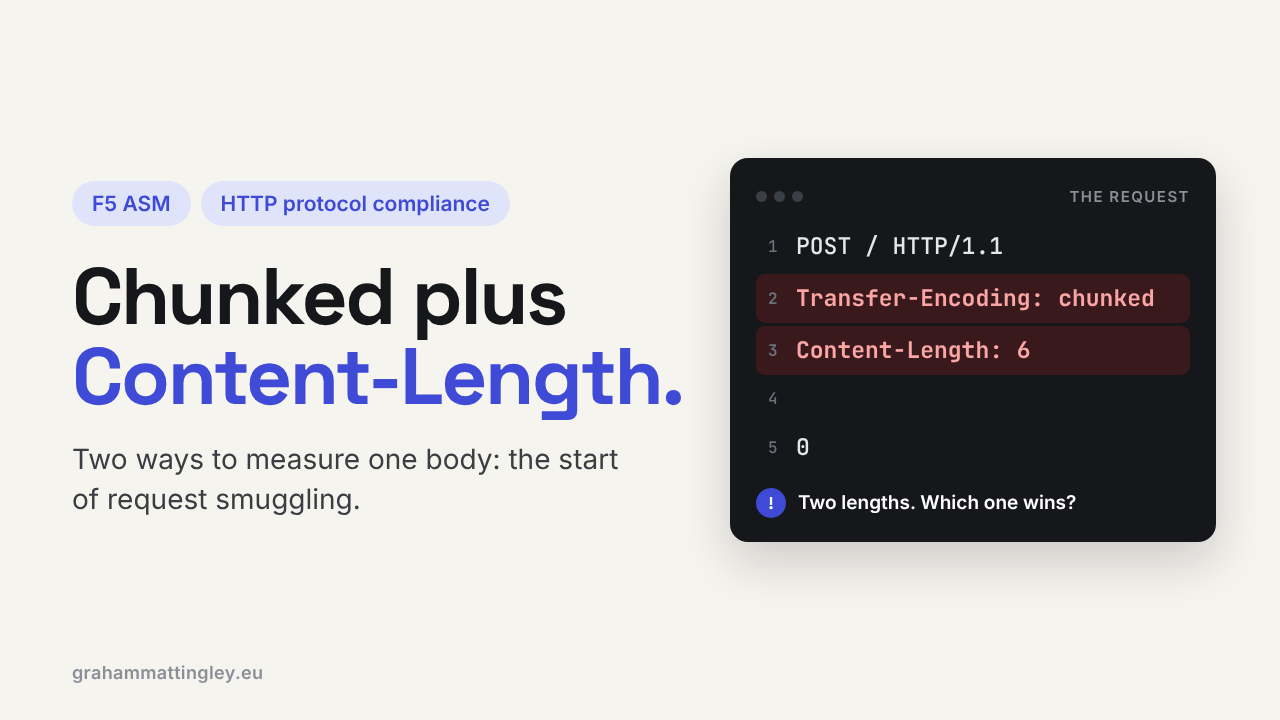
F5 ASM HTTP Protocol Compliance: Chunked request with Content-Length header
Oct 25, 2026Why is F5 ASM blocking a chunked request that also has a Content-Length header?
Introduction
Every HTTP request with a body has to tell the receiver where that body ends. There are two ways of doing it. Content-Length says "the body is exactly this many bytes". Transfer-Encoding: chunked says "the body comes in pieces, and a zero-length piece means I've finished".
You use one or the other. Never both. The F5 ASM check Chunked request with Content-Length header catches requests that send both, and this is one of the HTTP compliance checks I take most seriously, because this exact combination is the classic setup for request smuggling.
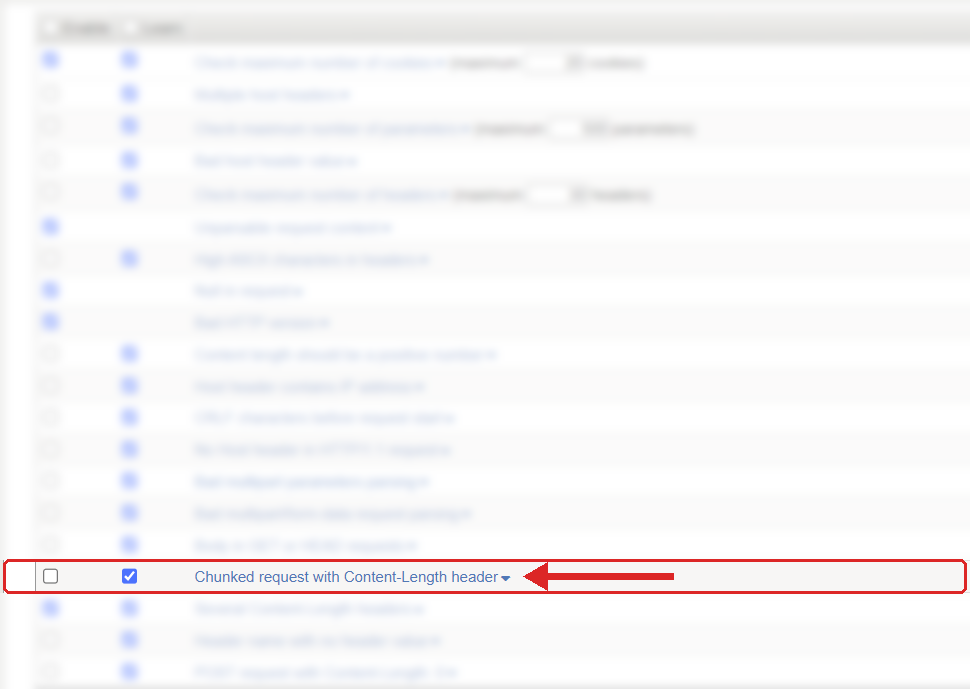
Where to find it: Security › Application Security › Policy Building › Learning and Blocking Settings › HTTP protocol compliance failed. Settings shown are from my lab.
The Problem
With Content-Length, the receiver reads that many bytes after the headers and knows the request is finished. With chunked encoding, each chunk starts with its size in hexadecimal, and a final 0 means the end:
C
{"name":"A"}
0
C is 12 in hex, so the chunk is twelve bytes, then 0 says there is nothing more.
The problem request looks like this:
POST /api/import HTTP/1.1
Host: api.example.com
Content-Type: application/json
Transfer-Encoding: chunked
Content-Length: 12

C
{"name":"A"}
0
The HTTP/1.1 specification says a sender must not put Content-Length in a message that has Transfer-Encoding. ASM simply checks chunked requests for a Content-Length header, and if there is one, the sub-violation fires. It does not matter whether the number is right or wrong.
When it is a genuine mistake, it is nearly always a client library or a bit of middleware. The developer turns on chunked encoding for big uploads, and the HTTP wrapper adds a Content-Length on its own.
How to Recognise It
Same story as most of these: works straight against the server, fails through the virtual server, and the application team never see the request.
In the request log, look for HTTP protocol compliance failed with the sub-violation Chunked request with Content-Length header. In the raw request you will see both Transfer-Encoding: chunked and a Content-Length line. Any value counts, even zero.
Browsers don't do this. Look at custom API clients, old libraries, hand-built requests, gateways and middleware. Capture the request as close to the BIG-IP as you can, so you see what ASM actually received. If there are several proxies in the path, compare what goes in with what comes out of each one to find the culprit.
The Risk
This is where request smuggling comes from, so let me explain it plainly.
Imagine a front-end device and a back-end server sharing one connection, with requests going down it one after another. The front end reads the request using chunked encoding and thinks it ends at the 0. The back end reads it using Content-Length and thinks it ends somewhere else. Now they disagree about where the first request stops.
An attacker uses that disagreement to hide a second request inside the body of the first. The front end, and the WAF, see one harmless request. The back end sees two, and the second one was never inspected. It can be used to bypass security controls, poison caches, or capture other users' requests.
Not every request with both headers is an attack. It is often just a broken client. But the HTTP specification itself says this combination should be treated as an error because of the smuggling risk, and that is exactly what ASM is doing.
Mitigation
Fix the thing that is building the request, and make it use one method only.
If the client knows the size of the body before it sends it, use Content-Length and remove Transfer-Encoding. If it genuinely needs to stream without knowing the size, use chunked and remove Content-Length. Making the two values agree does not fix anything. Both headers being present is the problem.
In most cases the fix is in the HTTP library settings. Problems usually start when application code sets one header by hand while the library sets the other.
If the client is clean, look at the intermediaries in front of BIG-IP. A proxy that receives both should strip the Content-Length before forwarding, but that is the proxy cleaning up somebody else's mess. The right fix is still at the source.
The setting is in Security › Application Security › Policy Building › Learning and Blocking Settings, under HTTP protocol compliance failed. Blocking is on the parent violation, and the sub-violations are enabled individually. This one is normally enabled, and I would recommend it stays that way. I would not disable this check for anything.
Gotchas and Limitations
This is not the same as Several Content-Length headers. That one is two Content-Length headers. This one is chunked plus a Content-Length. A request can trigger both.
The body itself can be perfectly valid JSON. The fault is in the framing, before the application ever gets to read the content.
HTTP/2 does not use chunked encoding, so you might think this can't happen there. But plenty of environments accept HTTP/2 from the client and talk HTTP/1.1 to the back end, and that translation is a well-known place for smuggling problems. Check the protocol at the point where ASM raised the violation.
Takeaway
Chunked request with Content-Length header means the client has given two different ways to find the end of the body. That is the basic ingredient of request smuggling. Capture the request, find out which component adds the second header, and fix it so only one framing method is used. Keep this check on, and keep it blocking.
Get F5 in Practice by email
One practical F5 insight at a time, written by me from work I've actually done.
Your email stays with me. It is never shared.
No spam. I will never sell your information, for any reason.