F5 ASM HTTP Protocol Compliance: High ASCII characters in headers
Oct 25, 2026Why is F5 ASM flagging high ASCII characters in headers?
Introduction
HTTP headers are meant to be boring and predictable. Every device in the path has to read them the same way.
When F5 ASM or Advanced WAF reports High ASCII characters in headers, it has found a byte in a request header with a value above 127.
That can sound old-fashioned. Modern applications handle accented names and Greek and Chinese text everywhere. But a header is not a web page or a JSON body. Headers have a long, messy history with character encoding, and anything outside plain ASCII can be read differently by the client, the proxy, the WAF and the web server.
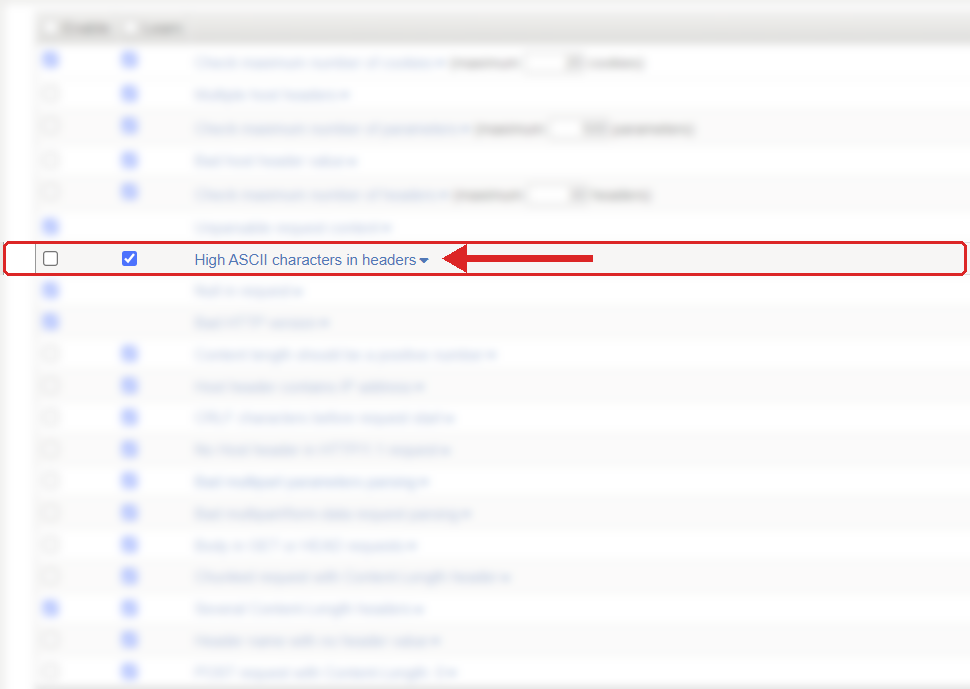
Where to find it: Security › Application Security › Policy Building › Learning and Blocking Settings › HTTP protocol compliance failed. Settings shown are from my lab.
The Problem
Standard ASCII covers byte values 0 to 127: letters, numbers, spaces, punctuation and control characters. "High ASCII" is the loose name for bytes 128 to 255.
A normal header looks like this:
GET /account HTTP/1.1
Host: www.example.com
X-Region: Europe
Now look at this one:
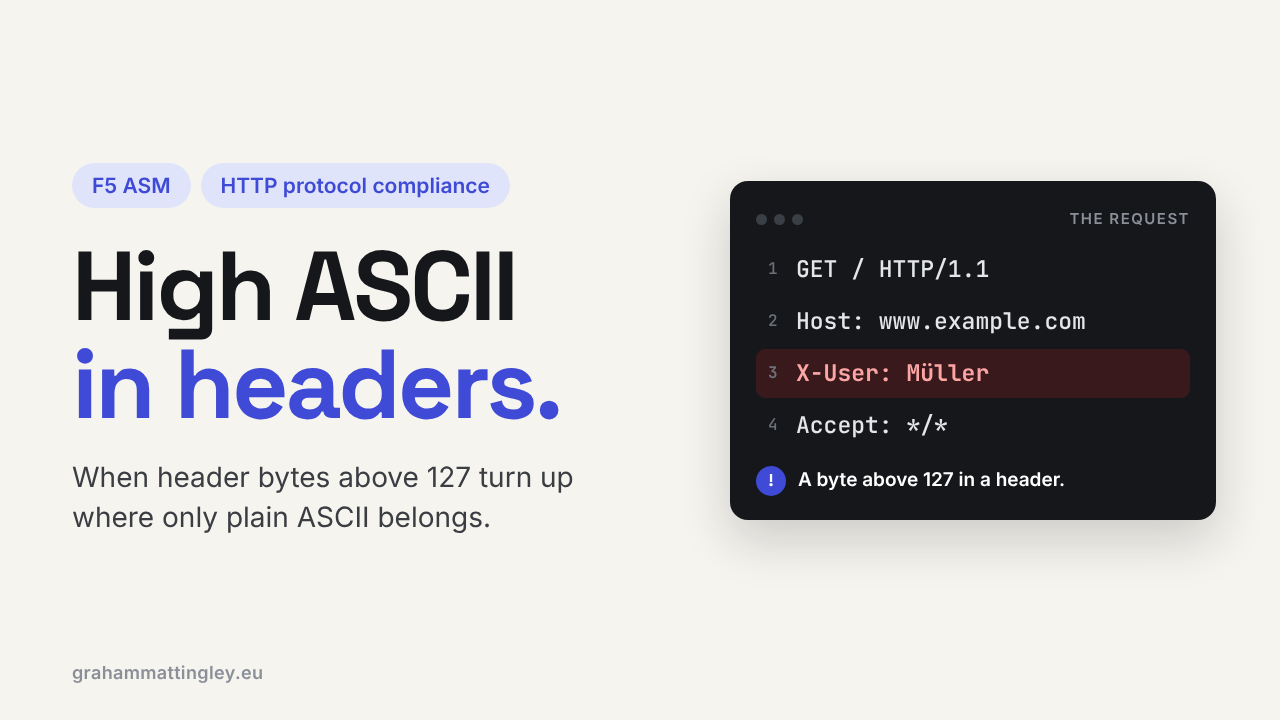
X-User: Müller
It looks harmless, but the ü is not ASCII. Sent as UTF-8 it becomes two bytes, both above 127, and ASM raises the HTTP protocol compliance sub-violation High ASCII characters in headers.
The WAF is looking at the bytes that arrived. It isn't judging whether a name is valid. It is enforcing a conservative rule about what belongs in the header section of a request.
How to Recognise It
The event shows HTTP protocol compliance failed with the sub-violation High ASCII characters in headers.
Look at the raw request, not just what the log viewer shows you. A viewer might display a nice clean ü, but on the wire it could be UTF-8, ISO-8859-1 or Windows-1252. What you see on screen isn't always what the F5 received.
Start with custom headers. In my experience these hits nearly always come from something like X-Customer-Name, X-Branch or X-Comment that a developer has added, where user data has ended up in a header because it was convenient. A mobile app, a browser extension, an API client or a bit of JavaScript is usually behind it.
That is also where the arguments start. The application team says the request works fine. The security team sees a protocol violation. They are both looking at the same name, but not at the same bytes.
The Risk
The risk is that the devices don't agree on what the header says. One reads it as UTF-8, one as ISO-8859-1, one passes the bytes through untouched, and a strict one rejects the whole request.
The HTTP standard (RFC 9110) still tolerates these bytes in header values for historical reasons, but it says header values should normally stick to US-ASCII and that anything else should be treated as opaque data. So it isn't strictly illegal. It is just a bad idea in a path with several devices in it.
An accented character is not an attack. The concern is that odd byte sequences give an attacker a way to test how each layer handles strange input, and they can cause logging problems, broken inspection and backend errors that are very hard to track down.
Mitigation
Find the exact header and the client that sent it before you change anything.
Usually the best fix is to get the data out of the header. A customer name, a search term or a comment belongs in the request body, for example JSON with UTF-8, where the application can validate it properly. Headers are for transport information, not user data.
If a header really must carry non-ASCII text, it should use a proper encoding defined for that header (RFC 8187 exists for exactly this reason), not raw UTF-8 that happens to work in one test.
Be aware this check is disabled by default on the policies I see, so don't assume you are protected just because it appears in the list. It is in Security › Application Security › Policy Building › Learning and Blocking Settings, under HTTP protocol compliance failed. On a public application I would recommend switching it on, watching it in the logs for a while to see what triggers it, fixing anything legitimate at the source, and then letting it block. Blocking is set on the parent violation and only works when the policy is in blocking mode.
Gotchas and Limitations
High ASCII is not the same as control characters. A carriage return, a line feed or a null byte in a header is much more serious, because those can change how the request is split up. That is covered by other checks. High ASCII is an encoding problem, not a structure problem.
Header names and header values are different too. A header name has to be plain ASCII, so a name with high bytes in it is simply broken. Values are where the grey area is.
Don't confuse this with the Bare byte decoding evasion technique. That one is about bytes above 127 in the URL. This one is about headers.
And the violation doesn't tell you the character was malicious. It tells you a byte above 127 turned up in a header. Your job is to find out which header, whether the data needs to be there, and whether every device in the path reads it the same way.
Takeaway
High ASCII characters in headers is about encoding and consistency, not about international characters being bad. Raw bytes above 127 in a header get read differently by different devices.
Look at the raw request, find the header and the client that put them there, and ask whether that data belongs in a header at all. Usually it doesn't.
Get F5 in Practice by email
One practical F5 insight at a time, written by me from work I've actually done.
Your email stays with me. It is never shared.
No spam. I will never sell your information, for any reason.