F5 ASM HTTP Protocol Compliance: No Host header in HTTP/1.1 request
Oct 25, 2026Why is F5 ASM blocking an HTTP/1.1 request without a Host header?
Introduction
In HTTP/1.1, the Host header is not optional. It is how the BIG-IP, the web server and the application know which website the client wants, when one IP address and one virtual server can be serving lots of them.
When F5 ASM or Advanced WAF reports No Host header in HTTP/1.1 request, the request says it is HTTP/1.1, and there is no Host header in it at all.
This one is a genuine protocol failure. It is not a bad Host value, it is not two Host headers, it is no Host header.

Where to find it: Security › Application Security › Policy Building › Learning and Blocking Settings › HTTP protocol compliance failed. Settings shown are from my lab.
The Problem
A normal HTTP/1.1 request looks like this:
GET /account HTTP/1.1
Host: www.example.com
The path, /account, says what the client wants. It doesn't say which site it wants it from. If www, api, admin and shop all resolve to the same address, the Host header is the only thing that tells them apart.
The HTTP/1.1 standard is very clear about this. A client must send a Host header in every HTTP/1.1 request, and a server must reply with a 400 Bad Request if it is missing.
The check is under Security › Application Security › Policy Building › Learning and Blocking Settings, inside HTTP protocol compliance failed, and it is enabled by default. The sub-violation is switched on by itself, and blocking is set on the parent.
How to Recognise It
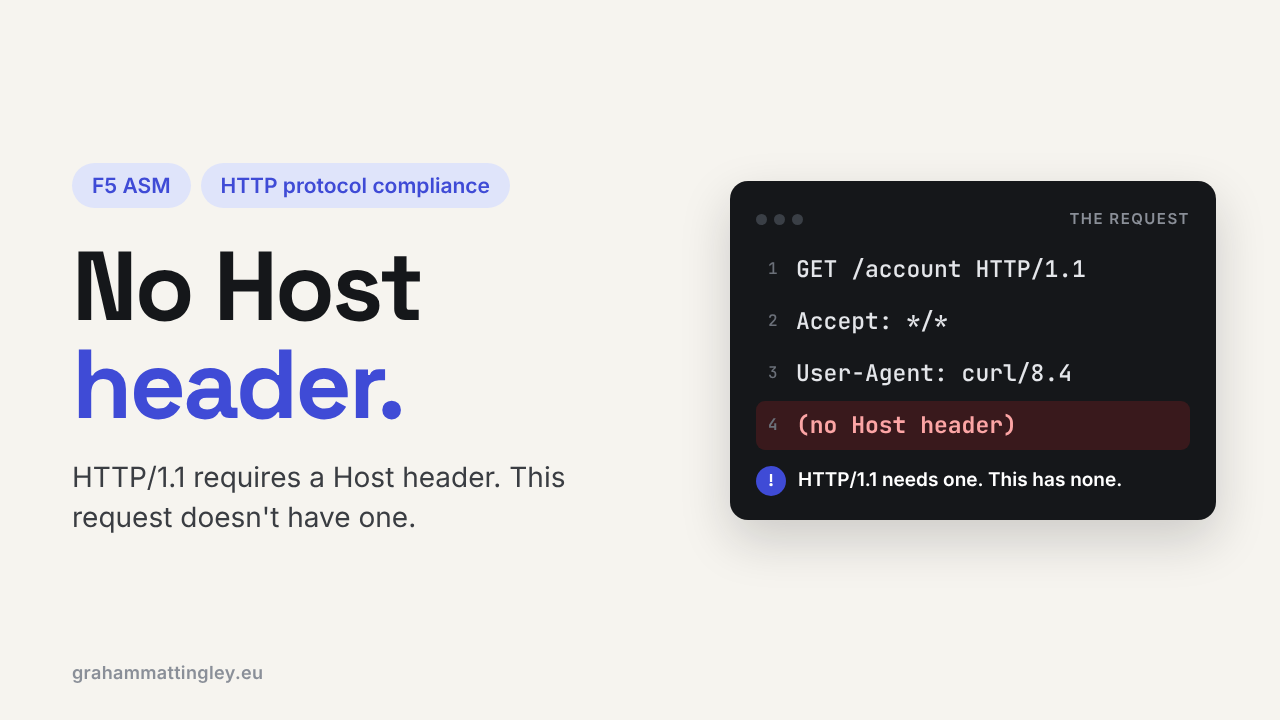
In the request log you will see HTTP protocol compliance failed, and in the detail, No Host header in HTTP/1.1 request. The request itself will look something like this:
GET /account HTTP/1.1
User-Agent: CustomClient/1.0
Accept: application/json
HTTP/1.1 on the request line, and no Host line underneath.
It helps to keep the four Host checks straight in your head. Bad host header value means there is one Host header but the value is broken. Multiple host headers means there are two. Host header contains IP address means it is an IP rather than a name. And this one means there isn't one.
A browser will never send this. When I see it, it is usually a scanner, a bot, a hand-written socket script, or a monitor.
Monitors are worth a special mention. A very common send string is:
GET / HTTP/1.1\r\n\r\n
That is HTTP/1.1 with no Host header. Monitors from the BIG-IP to its own pool members don't go through the ASM policy, so you won't see those. But if something is monitoring the virtual server itself, an upstream load balancer, a DNS/GTM monitor, or an external monitoring service, those requests go straight into the policy and trigger this.
The Risk
The obvious risk is ambiguous routing. With no Host header, the web server behind will usually fall back to its default site. Sometimes that is just an error page. Sometimes it is a different application, an old site, an admin portal or a test service that happens to be the default.
That doesn't mean a missing Host header walks past the WAF into another application. But it creates a gap between what the client asked for, what the edge assumed, and what the backend actually served, and that is the sort of gap you don't want at the front of an application.
Different devices also deal with it differently. One rejects it, one uses the default site, one picks a site from the TLS SNI or the destination address. Scanners send requests with no Host header, or with broken or duplicated ones, specifically to see what comes back.
Mitigation
I would recommend leaving this enabled on every HTTP/1.1 application. No legitimate HTTP/1.1 client needs to leave the Host header out, so the fix is always on the client side.
When it fires, look at the source address and user agent first.
If it is a scanner or unknown client, let it block.
If it is a monitor or something you own, add the Host header. A correct monitor send string looks like this:
GET /health HTTP/1.1\r\nHost: app.example.com\r\nConnection: close\r\n\r\n
If a proxy, gateway or iRule is in the path and rewriting requests, check it isn't removing the Host header. Anything that changes the destination still has to send exactly one valid Host header on.
And make the backends safe on their own. The default virtual host on your web servers should return a plain error, never a real application or a management page.
Gotchas and Limitations
This check is about HTTP/1.1 only. HTTP/1.0 came before the Host header was mandatory, so an HTTP/1.0 request without one won't trigger this. Whether you want HTTP/1.0 at all on a modern application is a separate question.
A full URL on the request line is not a substitute. This still needs a Host header:
GET http://www.example.com/account HTTP/1.1
This check also doesn't tell you whether the Host value is one you want. Host: attacker.example has a Host header, so it passes. Controlling which names are allowed is a job for the virtual server, the web server and the application.
And don't use it to reason about HTTP/2 or HTTP/3. They carry the authority differently. This sub-violation is purely about HTTP/1.1.
Takeaway
No Host header in HTTP/1.1 request means the client has left out a header that HTTP/1.1 says is mandatory.
Leave it enabled. When it fires, it is nearly always a scanner or a monitor, and if it is a monitor, add the Host header to the send string rather than changing the policy.
Get F5 in Practice by email
One practical F5 insight at a time, written by me from work I've actually done.
Your email stays with me. It is never shared.
No spam. I will never sell your information, for any reason.