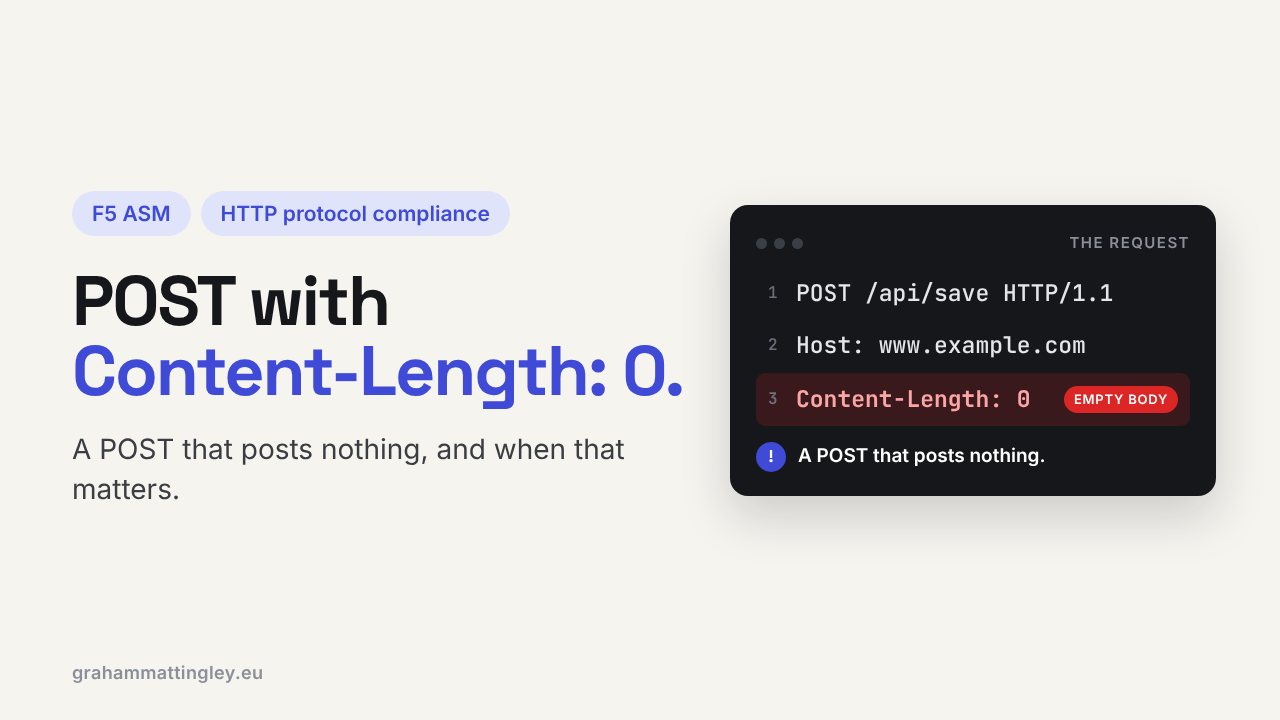
F5 ASM HTTP Protocol Compliance: POST request with Content-Length: 0
Oct 25, 2026Why is F5 ASM flagging a POST request with Content-Length: 0?
Introduction
POST is the method for sending data to an application. A login form, a search, a file upload, a JSON call to an API. So a POST that sends nothing at all is a bit odd, and the F5 ASM check POST request with Content-Length: 0 exists to spot it.
This is one of the softer checks in the HTTP compliance list. An empty POST is not illegal HTTP, and plenty of real applications send them. So this one is less about broken requests and more about spotting traffic that doesn't look like what your application normally does.
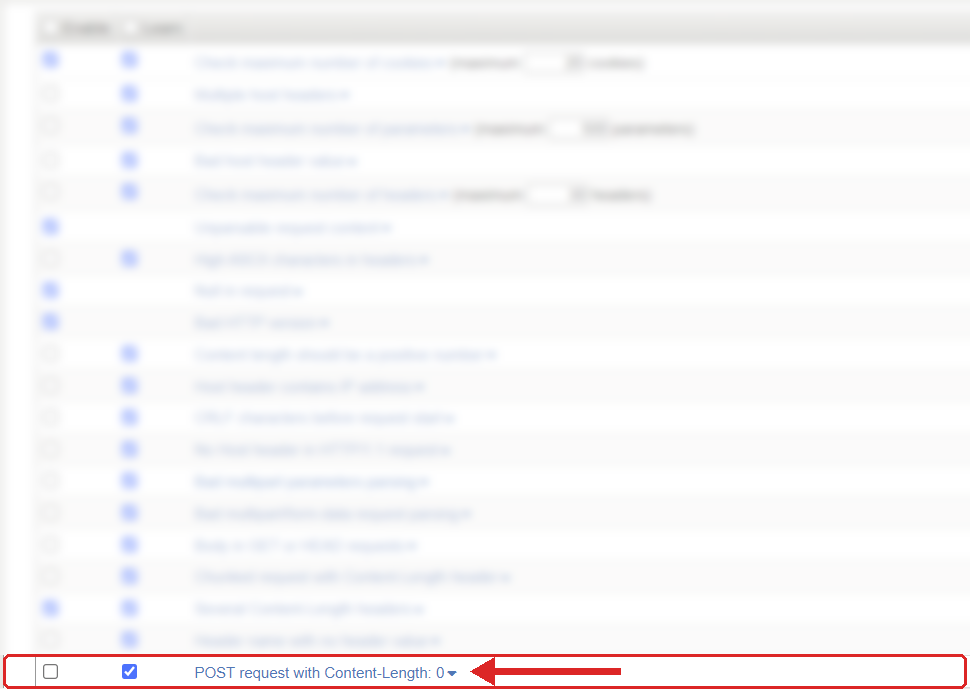
Where to find it: Security › Application Security › Policy Building › Learning and Blocking Settings › HTTP protocol compliance failed. Settings shown are from my lab.
The Problem
The request looks like this:
POST /api/session/refresh HTTP/1.1
Host: app.example.com
Content-Length: 0
A method that is meant to carry data, and a header telling you there is no data. ASM looks for POST requests where the Content-Length is zero and raises the sub-violation.
The awkward part is that there are good reasons for empty POSTs. A logout button. A "refresh my session" call. An API action where the URL says everything, like POST /orders/123/cancel. Some JavaScript frameworks send a POST with no body to trigger a server-side action. All of those are legitimate.
And there are less friendly reasons. Scanners and scripts probing every endpoint with POST to see what responds, clients that have lost their body somewhere along the way, or a proxy that has stripped the body off a request.
How to Recognise It
In the request log, look for HTTP protocol compliance failed with the sub-violation POST request with Content-Length: 0.
The first thing I would do is look at the URLs. If the same few URLs keep appearing, logout, session refresh, a cancel or delete action, it is almost certainly the application behaving normally. If it is lots of different URLs from a small number of sources, including URLs that should never take a POST, that looks much more like somebody probing.
Then check whether the empty body was intended. If a form or API call that normally carries data is arriving empty, the problem is in the client or in something in the path that dropped the body. That is a bug to fix, whatever ASM thinks about it.
The Risk
On its own an empty POST is low risk. It is not going to smuggle anything, and there is nothing in it for a signature to match.
The value of the check is as a signal. POST is the method that changes things in an application, so a stream of empty POSTs to endpoints that don't expect them tells you someone is exploring the application. It is also useful for catching broken clients or proxies that are losing request bodies.
The risk going the other way is false positives. If this sub-violation is set to block on an application that uses empty POSTs for logout or session refresh, users will be blocked from doing perfectly normal things. That is the kind of thing that gets the whole WAF switched back to transparent.
Mitigation
This one is a judgement call per application, so I would not just switch it on and walk away.
The setting is in Security › Application Security › Policy Building › Learning and Blocking Settings, under HTTP protocol compliance failed. Blocking is set on the parent violation, and the sub-violations are enabled individually. This one is not always enabled, so check what your policy has.
I would recommend enabling it while the policy is still transparent, or before you set the parent to block, and then reading the log for a week. You will very quickly see whether the application uses empty POSTs and on which URLs.
- If the application never sends empty POSTs, keep the check enabled. Anything that turns up is either a broken client or someone probing.
- If the application uses them on a handful of known actions, the cleaner fix is in the application: send a small body such as {} or a CSRF token, which most frameworks can do easily.
- If that can't change, leave this sub-violation disabled for that application rather than blocking real users.
Whatever you decide, write it down in the policy notes, so the next person doesn't switch it on and break logout.
Gotchas and Limitations
This check is only about POST. A PUT or PATCH with an empty body won't trigger it.
A POST with no Content-Length header and no body is a different case from one with Content-Length: 0. If you are testing, send the header explicitly so you know which one you are looking at.
Also, don't confuse this with Content length should be a positive number. That one is about negative or invalid values. Zero is a perfectly valid number, it just means no body.
Takeaway
POST request with Content-Length: 0 flags a POST that carries no data. It is not malformed HTTP, it is unusual traffic. Turn it on, watch the log, and find out whether your application uses empty POSTs. If it doesn't, keep the check and block it. If it does, fix the application or leave it off for that application, but make that decision on purpose.
Get F5 in Practice by email
One practical F5 insight at a time, written by me from work I've actually done.
Your email stays with me. It is never shared.
No spam. I will never sell your information, for any reason.