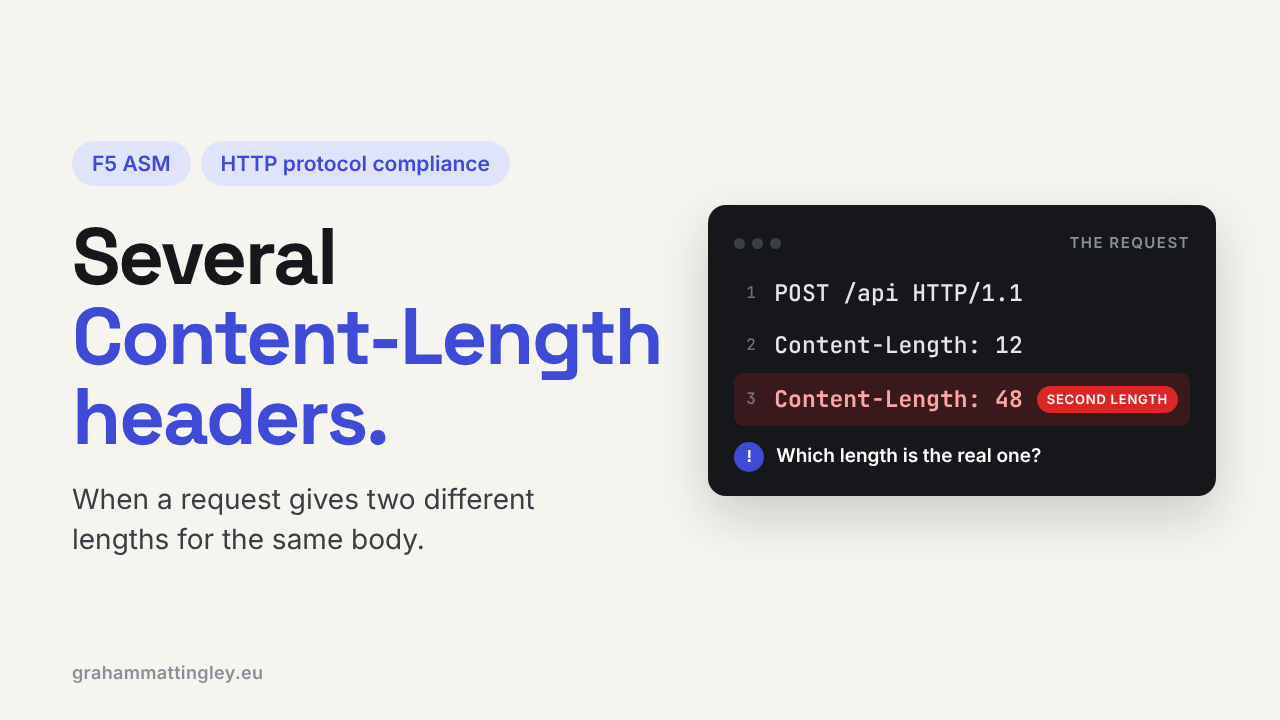
F5 ASM HTTP Protocol Compliance: Several Content-Length headers
Oct 25, 2026Why is F5 ASM blocking a request with several Content-Length headers?
Introduction
Content-Length tells the receiving device how many bytes of body to read. One number, one answer, and the device knows exactly where the request ends.
The F5 ASM check Several Content-Length headers fires when a request has more than one. At first glance that looks harmless, the client is just saying the same thing twice. But Content-Length controls where one request finishes and the next one starts, and if two devices pick different values, they no longer agree on where the request ends. That is a security problem, not just an untidy header.
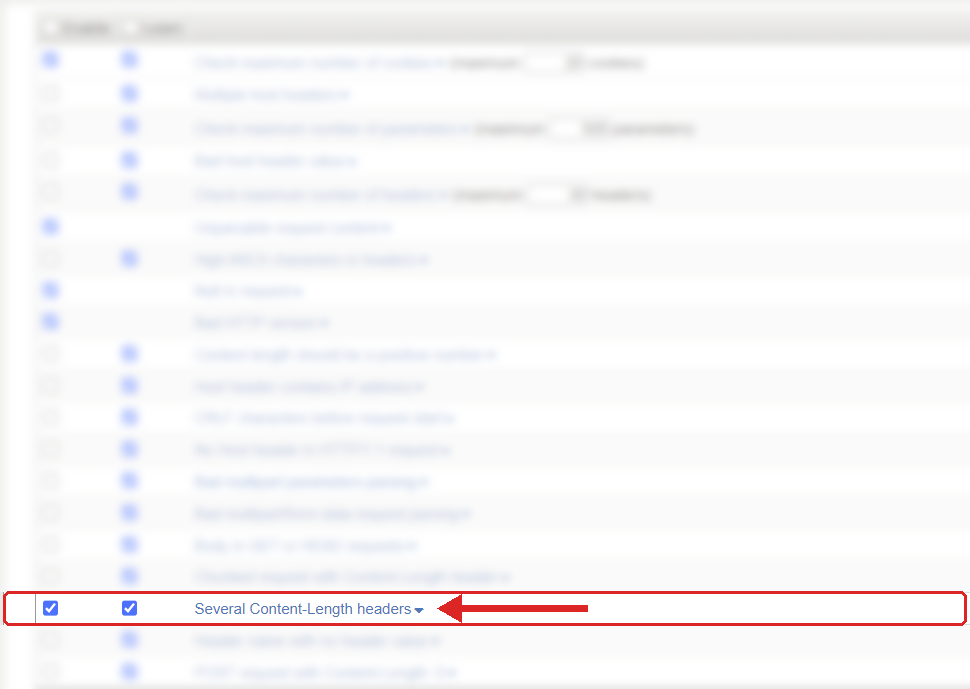
Where to find it: Security › Application Security › Policy Building › Learning and Blocking Settings › HTTP protocol compliance failed. Settings shown are from my lab.
The Problem
HTTP/1.1 keeps connections open and sends requests one after another down them. Every device in the path has to know exactly where request one finishes before it starts reading request two. Content-Length is what tells it.
Now give it two:
POST /api/customer/import HTTP/1.1
Host: api.example.com
Content-Type: application/json
Content-Length: 248
Content-Length: 216
Read 248 bytes or 216? Take the first value, the last one, or reject it? Different products answer that differently, and the device should not have to guess.
ASM checks every request for more than one Content-Length header. If there is more than one, the sub-violation fires, even if the values are the same.
The usual cause is something in the middle. A gateway or proxy changes the body, adds a new Content-Length for the new size, and forgets to remove the old one. Or application code adds a Content-Length by hand and the HTTP library adds its own as well.
How to Recognise It
The request works direct to the server and fails through the virtual server, and the application team say it never arrived because ASM stopped it before the pool member.
In the request log, look for HTTP protocol compliance failed with the sub-violation Several Content-Length headers. Then look at the raw headers. You will see either two different values, which is obviously wrong, or the same value twice. The second one still fires the check.
Capture the request as close to the BIG-IP as you can. Don't rely on application logs here, because a lot of proxies and logging tools merge duplicate headers or only show the last one. A clean application log does not mean the incoming request was clean.
The Risk
The obvious one is a broken integration. Imports fail, a mobile app stops submitting, a payment or document workflow throws odd intermittent errors, and everyone looks in the wrong place because the application never saw the request.
The serious one is request smuggling, so here it is plainly. Say the front-end device uses the first Content-Length and the back-end server uses the second. They now disagree about where the request ends. The leftover bytes that the front end thinks belong to this request get read by the back end as the start of the next one. An attacker can use that to slip a second request past the WAF without it ever being inspected, or to mess with other users' requests on the same connection.
Most of the time it is a faulty integration, not an attacker. But the HTTP specification treats conflicting Content-Length values as an unrecoverable error for this reason, and for a WAF, rejecting the request is much safer than letting it through and hoping every device downstream makes the same choice.
Mitigation
Find where the second header comes from and fix it there.
Trace the request from the original client through everything that can change it before BIG-IP: API gateways, reverse proxies, cloud load balancers, ingress controllers, middleware, integration platforms. Somewhere along that path the second Content-Length appears.
If the client sends it, fix the client or its library settings. In most cases the answer is to stop setting Content-Length by hand and let the library do it.
If an intermediary changes the body, it has to replace the Content-Length, not add another one. One body, one Content-Length.
And don't "fix" it by making both values the same and leaving both headers in. It still triggers the check, and it is still sloppy.
The setting is in Security › Application Security › Policy Building › Learning and Blocking Settings, under HTTP protocol compliance failed. Blocking is on the parent violation, and the sub-violations are enabled individually. This one is normally enabled, and I would recommend leaving it on and blocking.
Gotchas and Limitations
Don't confuse this with Chunked request with Content-Length header. That is Transfer-Encoding: chunked plus a Content-Length. This one is two Content-Length headers. A broken request can trigger both.
Duplicate headers do not automatically mean an attack. Treat it as a security-relevant fault, but investigate it as an engineering problem first.
HTTP/2 frames messages differently, but a lot of environments take HTTP/2 from the client and translate it to HTTP/1.1 for the back end. Check the protocol at the point where the violation was raised before you rule anything out.
Takeaway
Several Content-Length headers means the request has given more than one answer to "how long is the body?". Capture it at the BIG-IP, find the component that adds the extra header, and fix it so every request has exactly one Content-Length. Keep the check on, so ASM never has to guess where a request ends.
Get F5 in Practice by email
One practical F5 insight at a time, written by me from work I've actually done.
Your email stays with me. It is never shared.
No spam. I will never sell your information, for any reason.