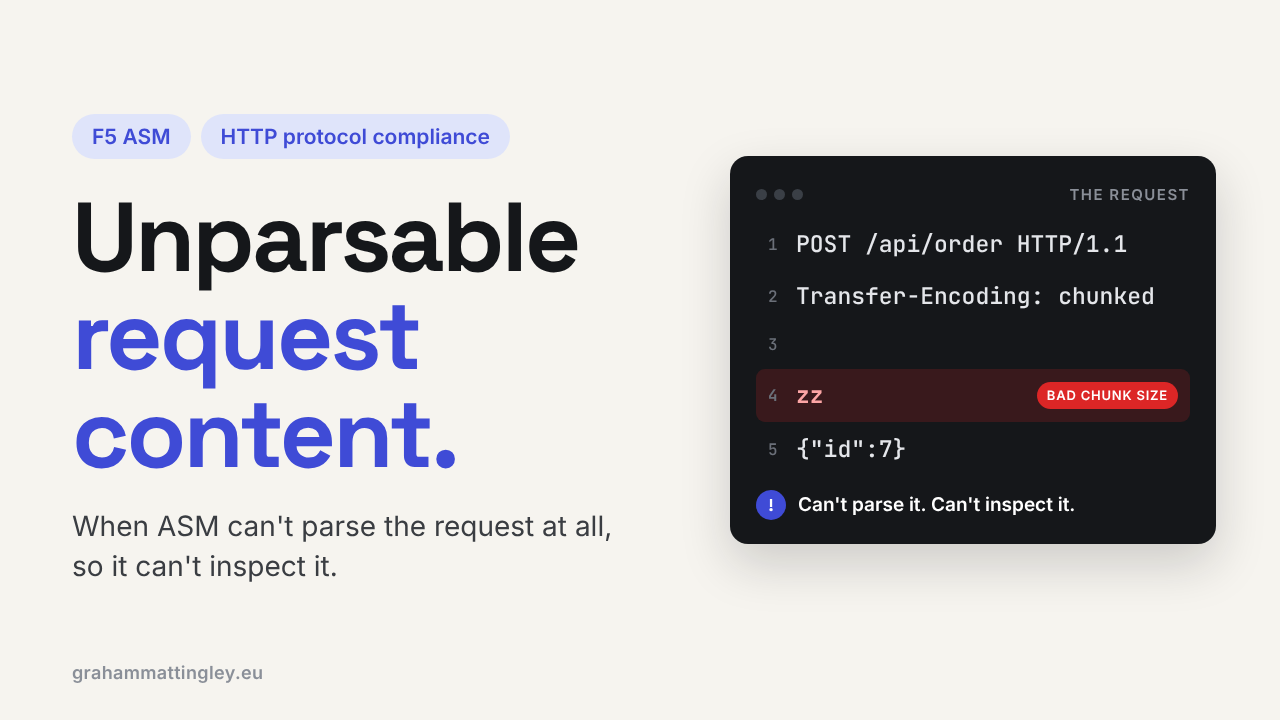
F5 ASM HTTP Protocol Compliance: Unparsable request content
Oct 25, 2026Why is F5 ASM flagging unparsable request content?
Introduction
Before ASM can look for SQL injection or XSS, it has to understand the request. Where the request line ends, where the headers end, where the body starts and how long it is.
If the request is so broken that the F5 parser can't work that out, there is nothing sensible left to inspect. That is what Unparsable request content means.
It is not a check for one particular bad header or one particular attack. It is a broader one. The parser tried, and it failed.
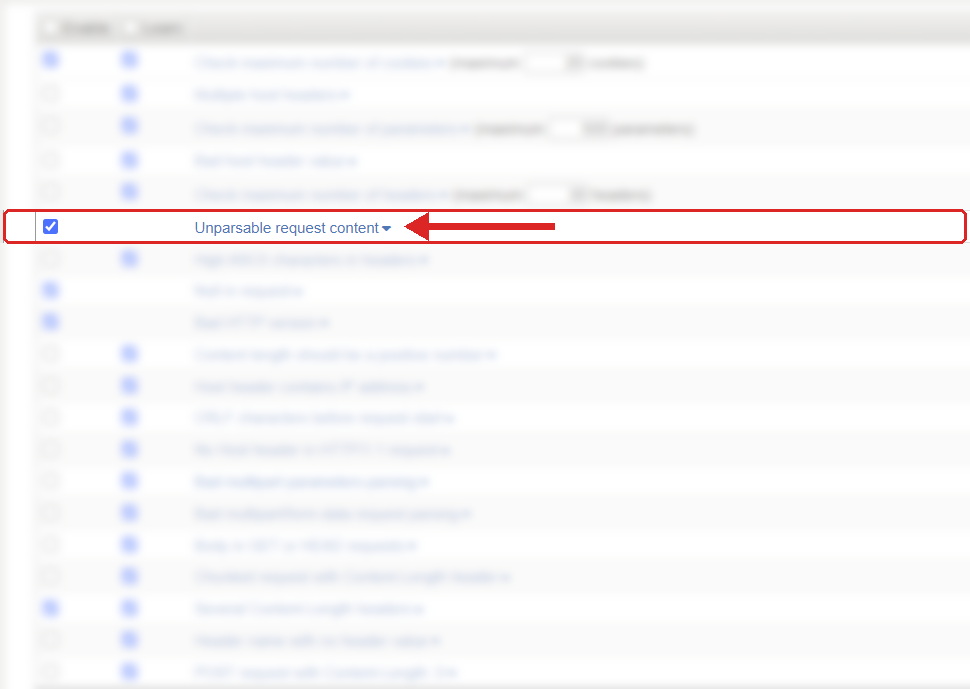
Where to find it: Security › Application Security › Policy Building › Learning and Blocking Settings › HTTP protocol compliance failed. Settings shown are from my lab.
The Problem
HTTP has a strict structure. A request line, headers, a blank line, and sometimes a body. Every device in the path has to agree where each part starts and finishes.
POST /api/order HTTP/1.1
Host: www.example.com
Content-Type: application/json
Content-Length: 19

{"item":"training"}
The Content-Length tells the receiver how many bytes of body to expect. With chunked transfer encoding, the body arrives in chunks, each with its own size in front of it.
When that structure is broken badly enough, the parser gives up and ASM raises the HTTP protocol compliance sub-violation Unparsable request content. Typical causes are header lines that don't end properly, a header with no colon, broken chunked encoding, a damaged request line, or a body that doesn't match the way the request says it is framed.
One thing I want to be clear about, because people mix these up. A request that is valid HTTP but has broken JSON or XML in the body is not this violation. ASM understood the HTTP fine. If the URL has a JSON or XML content profile, that shows up as Malformed JSON data or Malformed XML data instead. Unparsable request content is a failure lower down, at the HTTP level itself.
How to Recognise It
The event shows HTTP protocol compliance failed with the sub-violation Unparsable request content.
The violation name only tells you that the parser failed. It doesn't tell you where. So open the request, look at the raw data and the violation details, and work out which part couldn't be read: the request line, a header, the line endings, the chunking, or the body length.
Then look at who sent it. A normal browser should almost never trigger this. When it does, I would look for a broken proxy or a connection being cut part way through. Most of the time it is a scanner, a bot, a fuzzing tool or a hand-built integration that writes its own HTTP instead of using a proper library.
The Risk
The real risk is that different devices read the same bytes differently.
A request might go through a CDN, a reverse proxy, the BIG-IP, the web server and the framework. If one of them thinks the request ended here, and the next one thinks some of those bytes belong to the next request, they are out of step. That is the basis of HTTP request smuggling.
Most unparsable requests are not clever smuggling attacks. But the value of this check is that ASM refuses to carry on when it can't understand the message. A WAF that can't tell what the request is cannot inspect it properly, so the safe thing is to stop it.
There is an operational side too. Broken requests that get through cause odd backend errors, connection resets and faults that nobody can reproduce.
Mitigation
Leave it enabled. F5 treats this as an unlearnable violation, which means it never produces learning suggestions and it gets the highest violation rating. There is no "accept this" for broken HTTP, and there shouldn't be.
So the fix is never to teach the policy. The fix is to find what is sending broken HTTP.
If it is an unknown external client, a scanner or a bot, blocking it is the right result. If it is something you own, such as an integration, a health monitor or a proxy, fix that component.
If the problem is in the body framing, check the whole chain: client, CDN, reverse proxy, the BIG-IP config including any iRules, the API gateway and the web server. Look for anything that rewrites Content-Length, adds or removes chunked encoding, buffers bodies or changes the HTTP version on the way through. Every hop should be sending a request the next hop can parse.
The setting is in Security › Application Security › Policy Building › Learning and Blocking Settings, under HTTP protocol compliance failed. Blocking is set on that parent violation, the sub-violations are enabled one by one, and nothing is blocked unless the policy is in blocking mode.
Gotchas and Limitations
Don't assume every hit is an attack. A buggy client, a misconfigured monitor or a dropped connection can all cause it. The answer is still to reject the request, but the follow-up might be a support ticket rather than a security incident.
If a request looks perfectly valid to you and still triggers this every time, check your BIG-IP version and the release notes. F5 has fixed parser issues over the years, multipart parsing among them, so make sure you are not chasing a known bug before you blame the application.
And as always, a logged violation is not a blocked one. Check the parent violation is set to Block and the policy is in blocking mode.
Takeaway
Unparsable request content means the F5 could not work out what the request was. That is different from a request that is just unusual, or valid HTTP with bad data inside it.
Leave it on. When it fires, look at the raw request and the violation detail first, then follow the path back to the client or device that built the broken HTTP.
Get F5 in Practice by email
One practical F5 insight at a time, written by me from work I've actually done.
Your email stays with me. It is never shared.
No spam. I will never sell your information, for any reason.